
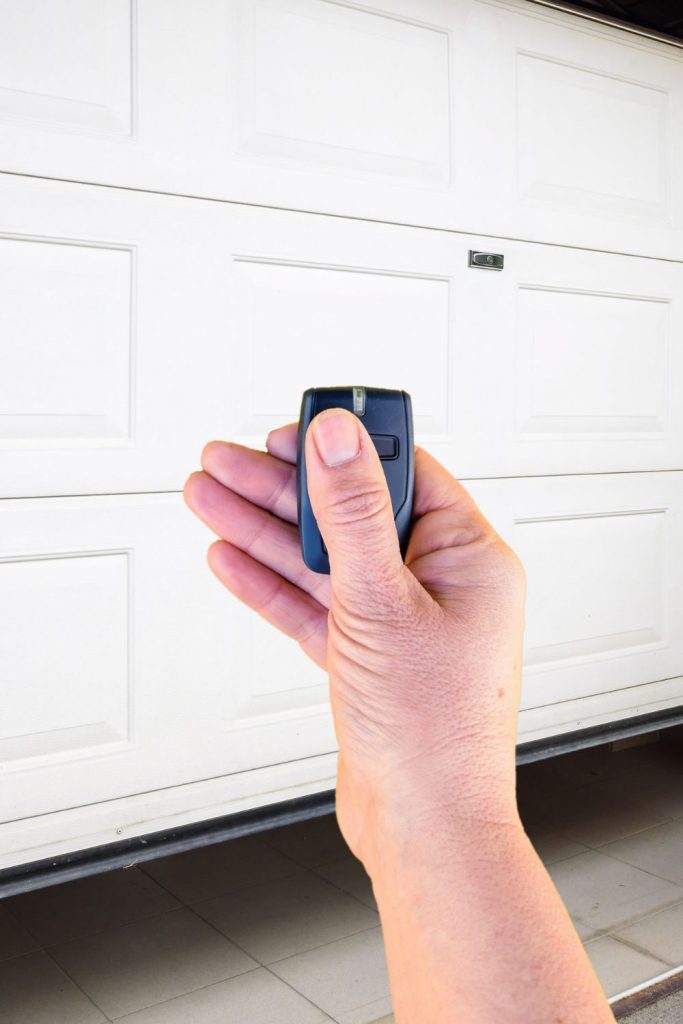
A Chamberlain garage door remote may need to be reset when it suddenly stops responding, loses connection after a power outage, or fails to communicate with the garage door opener. Resetting restores proper pairing between the remote and the opener’s receiver so the garage door operates reliably again.
In Wake Forest, NC, signal interference, memory clearing, or opener replacements can all disrupt remote communication. Understanding when and why to reset a Chamberlain garage door remote helps prevent access issues, security concerns, and unnecessary strain on the garage door opener system.
Why Would You Reset a Chamberlain Garage Door Remote?
A Chamberlain garage door remote typically needs to be reset when stored pairing data becomes corrupted, overwritten, or incompatible with the current garage door opener system, causing signal failure, inconsistent response, or complete loss of operation.
Common reasons a reset becomes necessary include:
- The opener memory was cleared after pressing the learn button for too long.
- A new garage door opener was installed, and the previous remote codes no longer match.
- The remote was paired with another Chamberlain garage door system, causing cross-pairing conflicts.
- A power outage or electrical surge disrupted signal synchronization.
- Additional remotes were added, and the memory capacity was exceeded.
To understand how opener memory wipes, cross-pairing conflicts, and signal desync can keep a remote from responding after a reset, read our guide on How Do You Program a Chamberlain Garage Door Remote?, which explains how pairing logic works and what confirms a successful reconnection.

Reset Steps Overview for Chamberlain Garage Door Remote Programming
Confirm the Opener Receiver and Learn-Button System Are Accessible
Access to the opener’s receiver area matters because pairing memory, indicator lights, and the learn button all sit in the same control zone on most ceiling-mounted units.
Key access checks to confirm first:
- Start by locating the motor head above the garage door where the opener housing sits.
- Next, note whether a light cover must be opened to reach the controls safely.
- Also, identify the learn button and confirm that the nearby indicator LED reacts normally.
- In addition, trace the antenna wire hanging down from the unit for visible damage or disconnection.
- Finally, confirm stable power to the opener, so receiver signals can be stored correctly.
The Chamberlain Group documents the manufacturer’s guidance on the location of the learn button and its function for programming and memory control.
Identify the Remote Type and Compatibility Requirements
Remote compatibility affects whether the Chamberlain garage door remote can store a secure signal handshake with the receiver on the first attempt.
Compatibility cues that help narrow the match:
- Look for the model label on the back of the remote control to verify the series and supported technology.
- Compare the remote’s button layout to the number of doors being controlled to reduce cross-assignment.
- Confirm whether the unit is a universal remote or a model-specific accessory tied to a certain receiver generation.
- Check whether the Chamberlain garage door opener remote is designed for the same security standard as the opener.
- Review whether the remote control for Chamberlain garage door opener systems is listed as supported for your receiver family.
Compatibility mismatches between the remote and receiver often surface after a new system is installed, which is why proper garage door installation setup helps prevent recurring signal conflicts.
Clear Prior Pairing Data From the Opener Memory
Clearing stored codes helps eliminate corrupted pairing records and removes old device assignments that can block a Chamberlain garage door remote from reconnecting reliably.
Common signs that stored memory should be cleared:
- Consider a reset if a programmed button opens the wrong door or does nothing.
- Watch for opener lights that enter pairing mode but never confirm a successful match.
- Notice whether the door opener keypad stopped responding after a device was added recently.
- Pay attention to intermittent range problems that persist after battery replacement.
- Confirm whether multiple remotes were added over time, and memory capacity may have been reached.
Chamberlain Group provides specific instructions for erasing remote codes from the opener’s memory and notes that devices typically need to be reprogrammed afterward.

Reconnect the Remote and Validate the Response Range
Reconnection confirms that the receiver can store a fresh rolling-code handshake and helps verify that the Chamberlain garage door remote operates consistently at the normal approach distance.
Range and response signals to validate:
- Begin by entering pairing mode and confirming the receiver LED stays on briefly to accept a signal.
- Then, trigger the remote control and watch for opener-light flashes or audible clicks that confirm storage.
- Afterward, test the garage door opener through a full cycle to confirm normal travel and consistent response.
- From there, evaluate the operation from multiple approach points to confirm the reliable range and timing.
- To finish, verify that the Chamberlain garage door remote programming result holds after several open-close cycles.
Chamberlain Group explains the standard remote programming confirmation cues, such as light flashes or click responses, that indicate a successful pairing.
Re-Sync Additional Devices and Prevent Cross-Pairing
Re-syncing related access devices protects system consistency after memory changes and reduces the chance that one remote triggers the wrong door in multi-device homes.
Device-level reconnection items to account for:
- Map each button on multi-button remotes to a single door to prevent overlap across receivers.
- Reconnect a keypad only after the main remote is stable, so access codes align with the current receiver memory.
- Verify a door opener keypad and any vehicle-based controls operate the correct door before daily use resumes.
- Re-check smart accessories like myQ only after core pairing stability is confirmed at the opener.
- Document which devices control which doors so future resets do not trigger cross-pairing confusion.
Clear device mapping ensures remotes, vehicle integrations, and keypads operate independently without cross-activation or unintended door movement.
What a Reset Changes in the Remote and the Opener System
Resetting a Chamberlain garage door remote refreshes how the opener stores access codes, which can restore consistent response after pairing errors, memory changes, or device conflicts.
Key reset impacts to expect include:
- Stored remote codes can be cleared from the receiver, which may disconnect more than one remote control at once.
- Rolling-code synchronization can restart, so older signals stop working until pairing data is restored.
- Accessory connections, such as a keypad or myQ, may need to be reconnected if the opener’s memory was erased.
Reset results are confirmed when the Chamberlain garage door remote responds consistently, the opener recognizes commands without delay, and all paired devices operate the correct door.
Common Reset Triggers Homeowners Notice First
Reset needs usually show up as sudden changes in how a Chamberlain garage door remote responds, especially after electrical events or recent device additions.
Frequent triggers that point to reset-related issues include:
- Remote response disappears after a power outage or surge that disrupts the opener’s memory.
- A new remote is added, and an older remote becomes inconsistent due to memory conflicts.
- Range drops sharply, so the remote works only close to the opener or receiver.
Pairing failures that persist after power events or device changes are covered in our blog on Why Won’t My Chamberlain Garage Door Remote Connect?, which explains the most common connection blockers and how to confirm the underlying cause.
When a Reset Does Not Resolve the Problem
Resetting a Chamberlain garage door remote will not restore operation if the issue involves receiver failure, signal interference, accessory lockouts, or opener hardware problems that block pairing or prevent normal response.
Common signs that the problem goes beyond a reset include:
- Pairing mode will not activate, or the learn button shows no confirmation response during reconnection attempts.
- Remote control range drops to “works only up close,” which often points to antenna wire damage or receiver weakness.
- Wall controls work, but the Chamberlain garage door remote does not, which can indicate a logic board or receiver issue.
- The garage door opener starts to move and stops immediately, which can signal safety inputs or travel-related interruption.
Remote failure symptoms tied to physical damage, compatibility mismatches, or aging electronics are discussed in our blog on How Do I Replace a Chamberlain Garage Door Remote?, which explains when replacement is the most reliable way to restore consistent access.
Professional Service Scope for Reset and Reconnection
Professional service for a Chamberlain garage door remote reset focuses on restoring secure pairing, verifying receiver performance, and confirming that the entire garage door opener system responds reliably after memory changes.
Typical service checks include:
- Full opener diagnostic to evaluate receiver response, learn button function, and signal storage.
- Range testing to confirm the remote control communicates consistently from the normal driveway distance.
- Inspection of the antenna wire, power supply, and logic board for signal or electrical faults.
- Reconnection of accessories such as a keypad, door opener keypad, or myQ integration if memory was cleared.
Comprehensive testing ensures the Chamberlain garage door remote, opener, and connected devices operate together without interference, cross-pairing conflicts, or delayed response.
Reset Your Chamberlain Garage Door Remote and Get Back to Reliable Operation
A properly reset Chamberlain garage door remote restores secure pairing, dependable range, and smooth response from your garage door opener. Clearing stored code conflicts and addressing signal issues helps keep the system consistent and reduces repeat access problems in Wake Forest, NC.
DoorJam Garage provides remote reset support, pairing diagnostics, and Chamberlain garage door opener service for homeowners throughout Wake Forest, NC. If your remote control is unresponsive or inconsistent, contact us or give us a call to schedule a quick fix and restore dependable access today.