
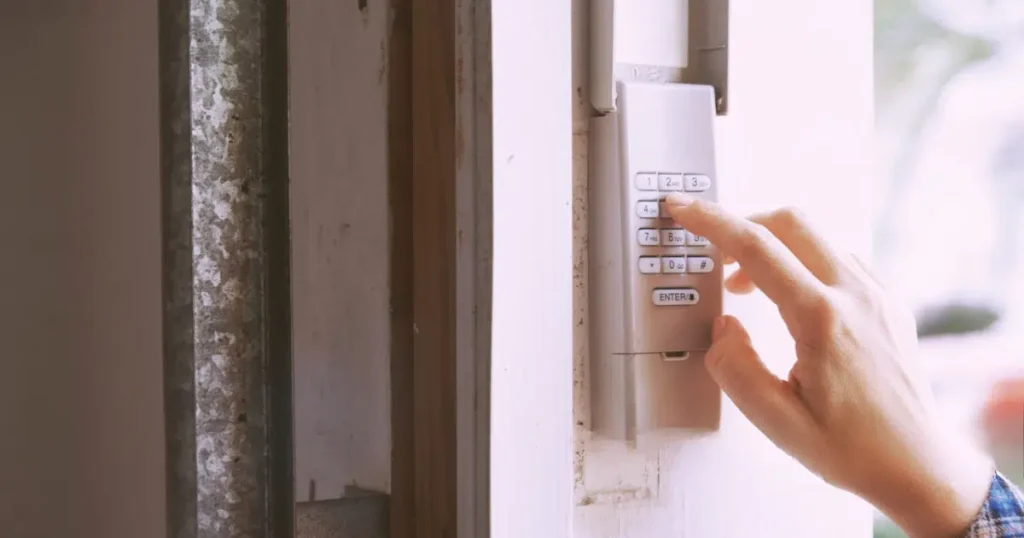
If you have ever walked up to your garage door keypad and nothing happened, you already know how frustrating that moment feels. You enter your code, wait, and the door just sits there. For many homeowners in Wake Forest, NC, the first thing a technician checks is the learn button on the opener unit inside the garage. When that small button stops responding or loses its connection to the keypad, the whole system breaks down.
The learn button is not just a reset switch. It is the heart of how your garage door opener communicates with every remote and keypad connected to it. When something goes wrong with it, your keypad becomes useless. Understanding why this happens can save you time, money, and a lot of unnecessary stress. This guide breaks down the most common reasons the learn button stops working, what signs to watch for, and when it is time to call a professional.
The Learn Button Lost Its Programmed Memory
This is one of the most common reasons homeowners end up with an unresponsive keypad. The learn button on your garage door opener stores the codes for every device paired to it, including keypads and remotes. That memory has a limit.
Most standard openers can store between one and forty rolling codes, depending on the brand and model. Once that limit is reached, new devices cannot be added, and in some cases, older paired devices start dropping off without warning.
What to check:
- Count how many remotes and keypads are currently paired to your opener.
- If you have had the same opener for several years, the memory may be full or corrupted.
- A full memory wipe is sometimes the only way to start fresh, but that means re-pairing every device.
This issue connects directly to the broader question of locating and using the learn button correctly. If you are not sure where yours is or how it works, reading about Where Is the Learn Button on a Garage Door Keypad? will give you a strong foundation before troubleshooting.
Quick tip: If your opener is more than ten years old and the memory keeps filling up, it may be time to consider an upgrade rather than repeated resets.
The Learn Button Indicator Light Is Not Responding
Every learn button has a small LED light next to it or built into it. That light tells you whether the button is active and ready to pair a new device. If you press the button and the light does not turn on, blink, or hold steady as expected, something is wrong.
Common reasons the indicator light fails:
- The opener is not receiving power properly.
- The internal circuit board has a fault.
- The LED itself has burned out, which is rare but does happen on older units.
- The button has been pressed so many times it has worn down mechanically.
What to check:
- Inspect the outlet your opener is plugged into. Try plugging in another device to confirm the outlet works.
- Check the circuit breaker connected to your garage.
- If power is confirmed and the light still does not activate, the issue is likely internal and needs a professional inspection.
A non-responsive indicator light is often the first visible sign of a deeper electrical issue inside the opener unit. Do not ignore it.
Radio Frequency Interference Is Blocking the Signal
Your garage door opener communicates using radio frequencies, typically between 300 MHz and 400 MHz. Several common household and neighborhood devices operate on similar frequencies and can interfere with the learn button’s ability to successfully pair or communicate with your keypad.
Devices known to cause interference:
- LED light bulbs installed inside the opener unit or nearby fixtures
- Security cameras and wireless routers positioned close to the opener
- Baby monitors and cordless phones
- Neighbors’ garage door openers operating on the same frequency
What to check:
- Swap out any LED bulbs in or near the opener with incandescent or opener-compatible LED bulbs rated for garage door openers.
- Temporarily turn off nearby wireless devices and attempt to re-pair your keypad to see if interference is the cause.
- If the problem clears up when devices are off, you have identified the source.
This is worth knowing, especially in growing neighborhoods like Wake Forest, NC, where new construction and high-density wireless networks are becoming more common.
The Learn Button Has Been Accidentally Reset
This happens more often than most homeowners realize. The learn button is sensitive. Pressing and holding it for more than six seconds on most models will erase all paired devices from memory. If someone held the button too long while trying to pair a new remote, or if a power surge caused an unintended reset, your keypad will no longer recognize the opener.
Signs this has happened:
- Your keypad stopped working suddenly with no other changes.
- All remotes in your household stopped working at the same time.
- The learn button light blinks rapidly and then goes dark when pressed.
What to check:
- Ask everyone in the household if they recently handled the opener unit or pressed any buttons on it.
- Check if all remotes are also unresponsive. If they are, a full reset is likely the cause.
- Re-pairing is necessary after an accidental reset, but the process depends on your opener brand and model.
Understanding what the learn button actually does during this process is important. For a clear breakdown of its full function, check out What Does the Learn Button Do on a Garage Door Opener? to understand what happens behind the scenes when the button is pressed.
Wiring or Internal Board Damage Is the Root Cause
If none of the above reasons apply, the problem may be deeper inside the opener unit itself. The learn button is connected to the logic board, which is the brain of your garage door opener. If the board is damaged, the learn button will not function, regardless of how many times you press it or try to reset it.
Common causes of board damage:
- Power surges during storms, which are not uncommon in the Wake Forest area during the summer months.
- Water intrusion if the garage is not properly sealed.
- Age-related wear on older opener models.
- Overheating caused by poor ventilation around the opener unit.
What to check:
- Inspect the opener unit for any visible burn marks, discoloration, or melted plastic near the board area.
- Check if the opener makes any sound at all when you press the wall button. No sound can indicate a board failure.
- A qualified technician can test the board directly and confirm whether it needs to be replaced.
Logic board replacements are available for most major opener brands, but the cost may vary depending on the model and availability of parts. In some cases, replacing the entire opener unit is the more practical route.
The Keypad Itself May Be the Problem, Not the Learn Button
It is easy to assume the learn button is the issue when your keypad stops working. But sometimes the keypad is the actual source of the problem. A faulty keypad can send incorrect signals, fail to transmit at all, or appear to work while actually not communicating with the opener. Issues like weak batteries, worn buttons, and weather exposure are among the common reasons a garage door keypad stops working.
Signs the keypad may be the issue:
- The learn button light activates correctly when pressed, but pairing never completes.
- The keypad buttons feel sticky, unresponsive, or require excessive force.
- The keypad display shows numbers, but the door does not respond.
- The keypad is several years old and has been exposed to weather regularly.
What to check:
- Replace the keypad battery first. A weak battery is the most overlooked cause of keypad failure.
- Inspect the keypad cover for moisture damage, cracked housing, or corroded contacts.
- Test with a different remote to confirm the opener itself is functioning.
Knowing when it is the right time to reset or replace your keypad is a separate decision from diagnosing the learn button. For guidance on that, When Should You Reset Your Garage Door Keypad Learn Button? covers the timing and situations where a reset makes sense versus a full replacement.
Age and Wear Are Working Against Your Opener
No garage door opener lasts forever. Most residential openers are built to last between ten and fifteen years with regular maintenance. As the unit ages, parts like the learn button, antenna wire, and logic board can begin to wear down, which may eventually lead to garage door repair or opener replacement. As garage door systems get older, garage door keypad problems like weak signals and inconsistent responses tend to become more common.
Signs your opener may be too old to repair effectively:
- The opener is more than twelve years old.
- Repairs have already been done more than twice in the past two years.
- Replacement parts for your model are discontinued or difficult to source.
- The opener runs louder than it used to, even with fresh lubricant applied to the rail and chain.
Preventive steps to extend opener life:
- Schedule annual inspections with a garage door professional to catch issues before they escalate.
- Keep the opener unit clean and free of dust buildup.
- Avoid hanging items from the opener rail, as added weight accelerates wear.
- Test the auto-reverse safety feature every few months to confirm the opener is still functioning correctly.
When the learn button fails on an aging unit, it is often a symptom of broader mechanical decline rather than an isolated problem.
Ready to Get Your Garage Door Working Again?
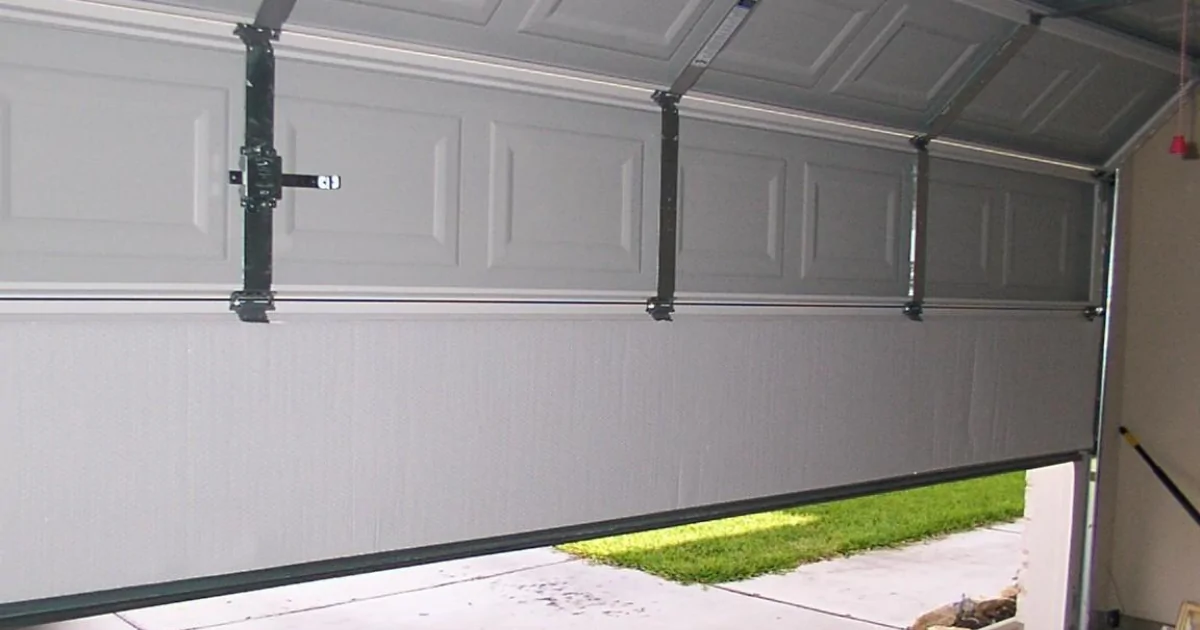
Tracking down the exact reason your learn button stopped working can be a process of elimination. Some causes are simple, like a drained battery or a signal conflict. Others, like a failed logic board or internal wiring damage, require hands-on professional diagnosis. If you have worked through this list and still cannot identify the problem, that is a clear sign that it is time to bring in a trained technician. Guessing at internal repairs can lead to more damage and higher costs down the road.
DoorJam Garage has been helping homeowners in Wake Forest, NC, and the surrounding area with garage door repairs, opener diagnostics, and full system replacements. Their team is familiar with all major opener brands and can quickly identify whether your learn button issue is a simple reset or something that needs a deeper repair. Contact us or give us a call to schedule an inspection and get your garage door back on track.