
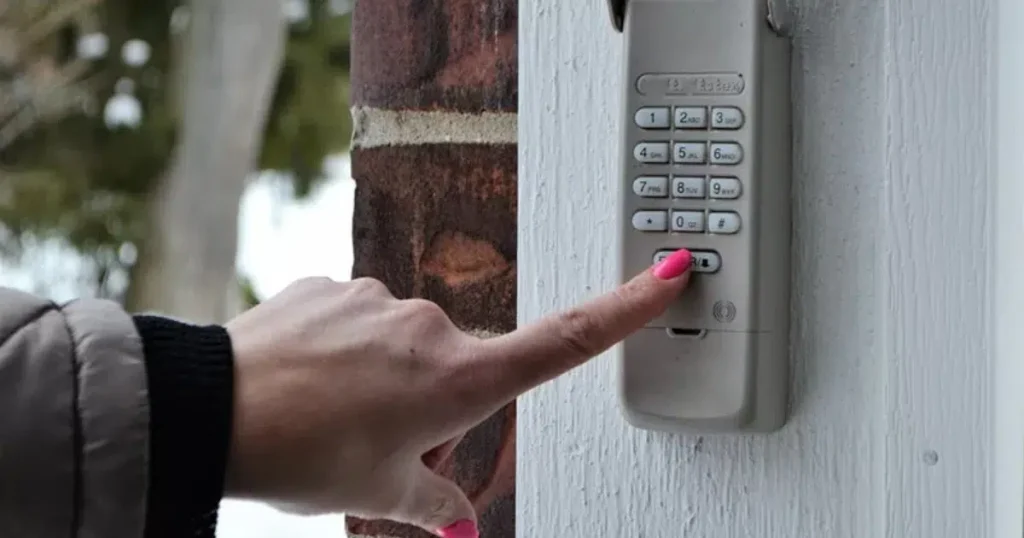
Resetting your garage door keypad’s learn button sounds simple enough. Press and hold, wait for the light to go out, and start over. But knowing when to actually do it, and when not to, is what separates a quick fix from a frustrating hour of re-pairing every remote in your household.
A reset is not always the answer. Sometimes it is exactly what the system needs. Other times, it is the wrong move that wipes out all your paired devices without actually solving the underlying problem. Knowing the difference saves you time and keeps your garage door system running reliably.
This guide walks through every situation where resetting your garage door keypad learn button is the right call, the warning signs that something else may be going on, and what to do before and after you press that button. Whether you are a homeowner in Wake Forest, NC, or anywhere nearby, this is the practical guidance you need before touching that learn button.
When You Move Into a New Home
This is the most important time to reset your garage door keypad learn button, and it is one that many new homeowners overlook entirely. When you move into a previously owned home, the previous owners still have working remotes and keypads programmed to your garage door opener. Unless those devices were deactivated before the sale, anyone holding one of those remotes can still open your garage door.
A full learn button reset clears every device from the opener’s memory, cutting off access to anyone who is not in your household.
What to do after moving in:
- Locate the learn button on your opener unit and press and hold it for six or more seconds until the indicator light turns off.
- Confirm the reset worked by testing an old remote. It should no longer operate the door.
- Re-pair only the remotes and keypads your household will actively use.
- Change the keypad entry code as well, since the code is stored in the keypad itself and is separate from the learn button memory.
This step is as important as changing the locks on your front door. If you are not sure where the learn button is on your specific opener model, Where Is the Learn Button on a Garage Door Keypad? gives you a complete brand-by-brand guide so you can find it quickly.
When a Remote or Keypad Goes Missing
A lost remote is a security concern, not just an inconvenience. If a remote or keypad goes missing, whether it was left somewhere, fell out of a car, or was taken without your knowledge, the safest move is to reset the opener and re-pair only the devices you still have in your possession.
Steps to take immediately:
- Do not wait to see if the remote turns up. Clear the memory now.
- Press and hold the learn button until the indicator light turns off to erase all paired devices.
- Re-pair every remote and keypad your household uses.
- Check your keypad code as well and update it if needed.
In a neighborhood setting like Wake Forest, NC, where homes are close together, an unauthorized remote in the wrong hands is a real risk. Acting quickly after a loss keeps your home secure.
What not to do:
- Do not assume the remote is simply out of battery and will not work for someone else. A remote with a dead battery can be replaced with a fresh one by anyone who finds it.
- Do not delay the reset, hoping the remote will turn up. Security should always come first.
When Your Keypad Suddenly Stops Responding
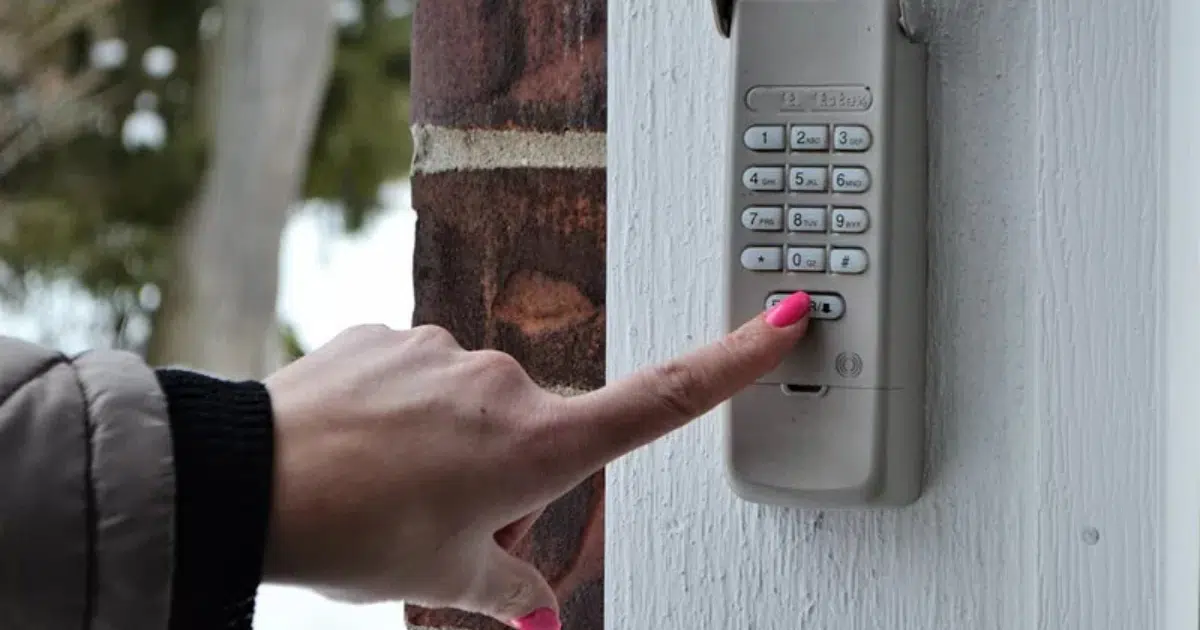
If your keypad worked fine yesterday and is completely unresponsive today, a reset is sometimes the right first step, but not always. Before resetting, rule out simpler causes that do not require clearing your entire memory.
Check these first before resetting:
- Replace the keypad battery. A dead battery is the most common reason a keypad stops working suddenly.
- Check the opener’s power supply by pressing the wall button inside the garage. If the door responds to the wall button but not the keypad, the issue is likely with the keypad itself.
- Move closer to the opener unit and try the keypad again. Weak signal range can sometimes cause intermittent failures.
- Inspect the keypad for moisture damage, especially after heavy rain.
When a reset makes sense after checking the above:
- The battery is fresh, and the keypad still does not respond.
- The opener responds to wall button input but not the keypad, and re-pairing the keypad resolves it.
- The keypad display works, but the door does not activate.
A reset followed by re-pairing the keypad is a legitimate troubleshooting step, but only after you have confirmed the basics are not the issue.
When You Are Adding Multiple New Devices at Once
Adding a new remote, a replacement keypad, and syncing a new vehicle’s HomeLink system all at the same time can sometimes cause pairing conflicts, especially on older openers with limited memory. In these situations, starting with a clean reset ensures every new device pairs correctly without interference from leftover codes in memory.
When this approach makes sense:
- You are replacing an old opener with a new unit and need to pair everything fresh.
- You have added a new vehicle to the household and need to sync its HomeLink system.
- You are upgrading from a basic remote to a smart opener system that requires a clean memory to configure properly.
- Your opener memory is near its capacity, and new devices are not pairing reliably.
What to prepare before resetting:
- Gather every remote and keypad you plan to re-pair.
- Write down each keypad code so you can re-enter it after re-pairing.
- Check your opener’s owner’s manual for the maximum number of devices it supports to make sure you are not exceeding capacity.
Understanding what the learn button does during the pairing process helps you complete each step correctly. What Does the Learn Button Do on a Garage Door Opener? walks through the full pairing sequence so you know exactly what to expect at each stage.
When You Have Had Recent Security Concerns
If anyone unauthorized has had access to your garage, your reset code, or your remote, a learn button reset should happen immediately. This includes situations like:
- A contractor, house sitter, or service professional was given temporary access, and that access was not removed.
- You suspect a remote was duplicated without your knowledge.
- Someone who previously lived in the home still has a working remote.
- Your garage was entered without your permission, and the cause is not yet identified.
Why a reset matters in these situations:
Older fixed-code openers are particularly vulnerable to code duplication. Modern rolling code systems are significantly more secure, but only if the memory is cleared when access is revoked. A learn button reset is your most immediate and reliable tool for restoring control over who can open your garage.
After resetting, re-pair only the devices you personally control and trust. This is also a good time to inspect the keypad and opener unit for any signs of tampering.
Modern systems are built around automatic garage door safety standards designed to improve security and reduce unauthorized access.
When Pairing Errors Keep Happening
If you have tried to pair a new remote or keypad multiple times without success, a reset can clear out any corrupted or conflicting codes that may be preventing the pairing from completing. Repeated pairing failures on an otherwise functioning opener are sometimes caused by a memory conflict rather than a hardware problem.
Signs a reset may resolve pairing errors:
- The learn button indicator light activates correctly, but pairing never confirms.
- A new device pairs successfully but stops working within a day or two.
- Some devices in memory work correctly while others do not, with no clear reason why.
- The opener recognizes one keypad but not another, even though both are compatible models.
Steps to take:
- Reset the memory completely using the learn button.
- Re-pair each device one at a time, testing each one before moving to the next.
- If pairing errors continue after a clean reset, the issue is likely hardware-related rather than a memory conflict.
At that point, continued resets will not solve the problem. A technician should inspect the opener unit directly.
When the Opener Has Been Exposed to a Power Surge
Power surges are a leading cause of corrupted opener memory in residential garages across North Carolina. A surge during a storm can scramble the rolling codes stored in the opener’s memory without visibly damaging the unit. Your remotes and keypads may stop working even though the opener appears to power on normally.
Signs a surge may have affected your opener’s memory:
- All paired devices stopped working at the same time after a storm or power outage.
- The opener powers on and responds to the wall button, but not to remotes or keypads.
- The learn button indicator light activates, but no pairing attempts are completed successfully.
What to do:
- Attempt a full memory reset using the learn button.
- Re-pair all devices and test each one.
- If the problem persists after re-pairing, the logic board may have sustained damage that a reset cannot repair.
- Install a surge protector on your garage outlet going forward to prevent future occurrences.
According to the U.S. Department of Homeland Security’s Ready.gov, power outages and surges can damage sensitive home electronics. Protecting your garage door opener with a properly rated surge protector is a simple and effective preventive measure.
When You Should Not Reset and Call a Professional Instead
A reset solves memory and pairing issues. It does not repair damaged hardware, faulty wiring, or a failing logic board. If you reset the system and the same problems return immediately, or if the opener does not function correctly even after a successful re-pair, the issue goes deeper than the learn button can address.
Situations that call for a professional inspection rather than another reset:
- The learn button indicator light does not activate at all when pressed.
- The opener makes unusual sounds or no sound at all when activated.
- Devices re-pair successfully, but the door moves erratically or stops mid-cycle.
- The opener has already had two or more resets without resolving the issue.
- Visible burn marks, discoloration, or a burning smell near the opener unit.
A reset solves memory and pairing issues. It does not handle garage door repair related to damaged hardware, faulty wiring, or a failing logic board. If you reset the system and the same problems return immediately, or if the opener does not function correctly even after a successful re-pair, the issue goes deeper than the learn button can address.
For a detailed breakdown of what causes the learn button to stop functioning entirely, Why Your Garage Door Keypad Learn Button Stops Working covers every hardware and software cause with clear guidance on what each symptom means.
Protecting Your Garage Door System for the Long Term
Knowing when to reset your garage door keypad learn button is just as important as knowing how to do it. A well-timed reset protects your home security, resolves pairing conflicts, and gives your system a clean start when it needs one. But resetting without understanding the underlying cause is a short-term move that can leave a real problem unresolved.
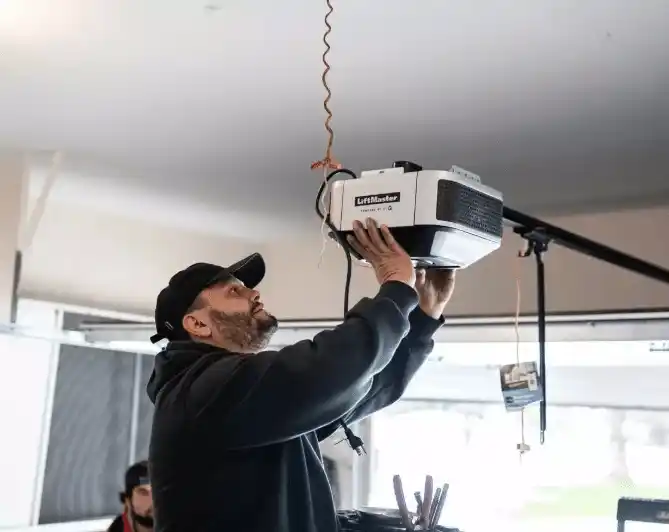
DoorJam Garage has been helping homeowners throughout Wake Forest, NC, and the surrounding area diagnose and repair garage door opener issues of all kinds. From learn button resets and keypad re-pairing to full opener replacements, their team brings the expertise to get the job done right. Contact us or give us a call to schedule your inspection and get your garage door system working reliably again.