
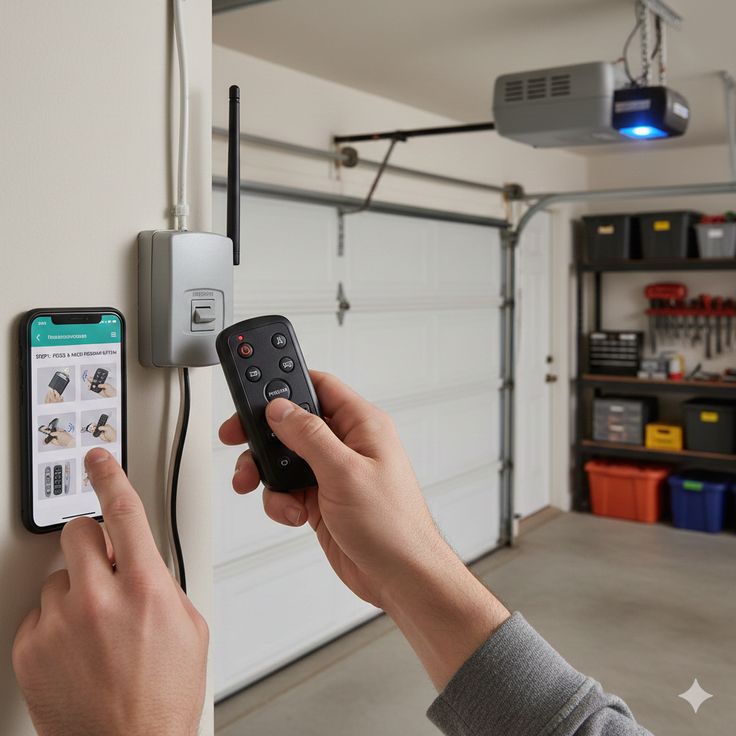
If your garage door remote stopped working or you just moved into a new home, programming your garage door opener might feel more complicated than it should. The good news is that most modern systems are built to be homeowner-friendly, and with the right steps, you can get it working without calling a technician right away.
This guide walks you through how to program a garage door opener, from understanding the basics to syncing your remote and keypad correctly. Whether you have a newer smart system or a classic rolling code unit, the process is more straightforward than most homeowners expect.
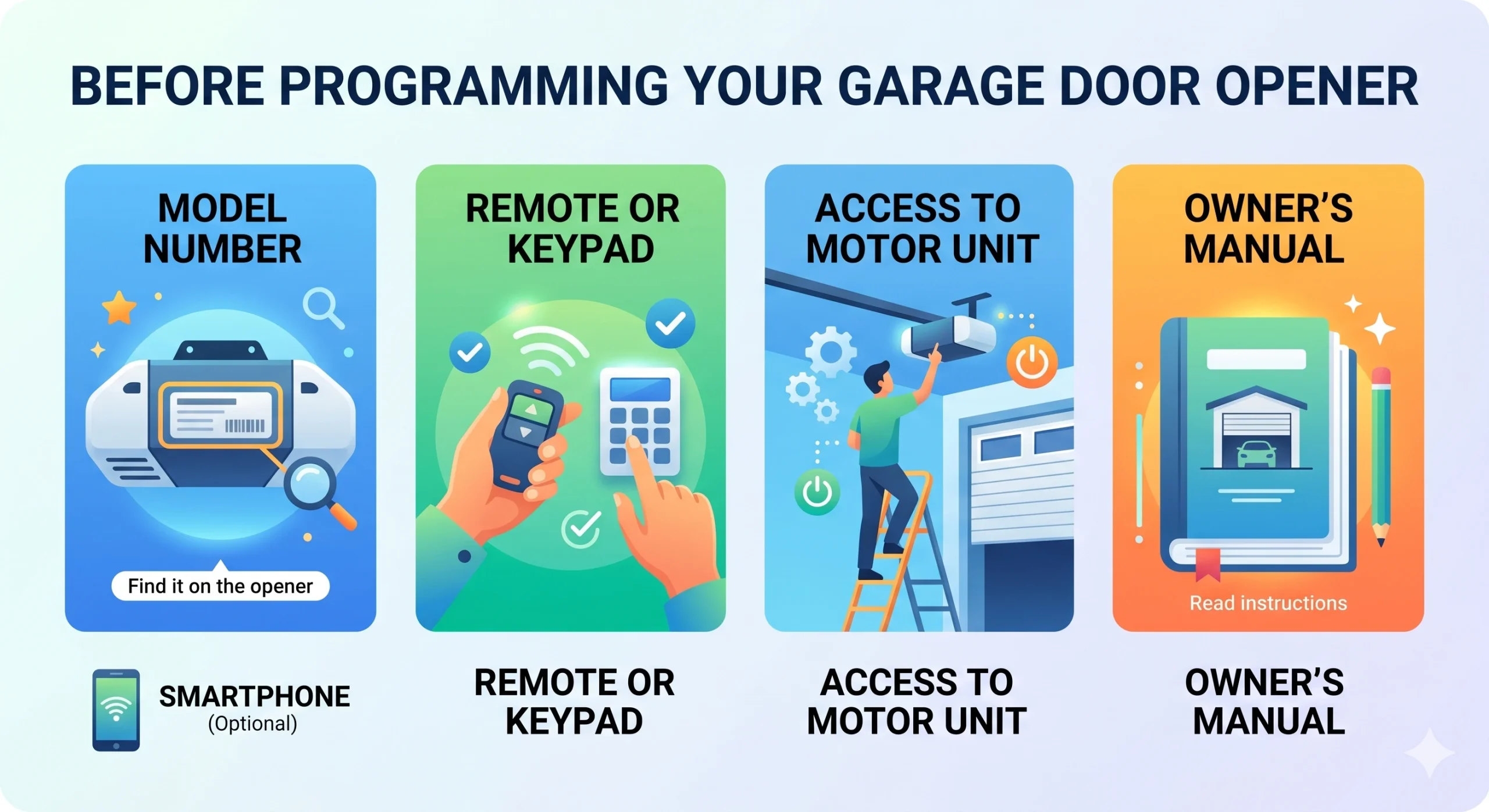
Before pressing any buttons, make sure you have everything ready. Jumping in without the right information can lead to failed syncs or a system that gets stuck in programming mode.
Here is what to gather before you begin:
- Your garage door opener model number
- The remote control or keypad you want to program
- Access to the motor unit
- Your owner’s manual
- A smartphone (optional)
If you are unsure whether to repair or start fresh, reading about When Should You Replace vs. Reprogram Your Garage Door? can help you make a more informed decision based on the condition of your current system.
Step 1: Locate the Learn Button on Your Motor Unit
The Learn button is the starting point for almost every programming process. It is typically found on the back or side panel of the motor unit, and it is usually a small colored button, often red, yellow, purple, or orange, depending on your opener brand.
Here is what to know about it:
- Color matters. Different button colors correspond to different frequency types. Knowing your button color helps you match it with the right remote.
- Pressing it activates programming mode. Once pressed, you usually have about 30 seconds to complete the sync before the window closes.
- Some units have a light indicator. When you press the Learn button, a small LED will often blink or stay solid to show the system is ready to receive a new code.
Step 2: Program Your Garage Door Remote
With the Learn button located, you are ready to sync your remote. This process is similar across most major brands, including LiftMaster, Chamberlain, Genie, and Craftsman.
Follow these steps:
- Press and release the Learn button on the motor unit. The indicator light will turn on.
- Within 30 seconds, press and hold the button on your remote that you want to program. Hold it until the motor unit’s light blinks or you hear two clicks, which signal a successful sync.
- Test the remote by pressing the programmed button from inside your garage. The door should respond.
Step 3: Program Your Garage Door Keypad
A keypad gives you access without carrying a remote, which is especially useful for families in Wake Forest, NC, who want a convenient entry option without handing out extra remotes.
Here is how to set it up:
- Press and release the Learn button on the motor unit, just like you did for the remote.
- Within 30 seconds, enter your chosen PIN on the keypad and press the Enter or Send button. You should see the motor unit light blink or hear a click to confirm the sync was successful.
- Test your PIN by entering it at the keypad. The door should open or close on command.
- Choose a PIN that is not easy to guess. Avoid birthdays, addresses, or repeating numbers. A random four to six-digit code is a smarter choice.
Step 4: Sync Your Car’s Built-In HomeLink System
Many newer vehicles come with a built-in garage door control system called HomeLink. This lets you open your garage directly from a button on your rearview mirror or sun visor, which is a huge convenience for daily use.
Here is how to pair it:
- Clear any previously stored codes in the HomeLink system by holding the two outer buttons until the indicator light flashes rapidly, usually around 20 seconds.
- Hold your remote one to three inches from the HomeLink button you want to program.
- Press and hold both the HomeLink button and your remote button simultaneously until the HomeLink indicator light changes from a slow blink to a rapid flash.
- For rolling code systems (most modern openers), you will need to go back to the motor unit, press the Learn button, and then press the HomeLink button one more time to complete the sync.
To understand more about how rolling code technology keeps your garage door more secure, DASMA outlines the safety standards behind modern opener systems and why they matter for every homeowner.
Step 5: Connect to a Smart Home App (If Applicable)
Smart garage door openers can be controlled from your phone, which is useful when you are away from home or want to check whether you left the door open.
Here is the general setup process:
- Download the manufacturer’s app to your smartphone. LiftMaster uses the myQ app, while Genie uses the Aladdin Connect app.
- Create an account and follow the in-app setup instructions. Most apps will walk you through connecting the opener to your home Wi-Fi network.
- Enable notifications so you get an alert any time the door opens or closes.
- Check compatibility first. Not all garage door openers support smart home integration out of the box. Some require an additional Wi-Fi bridge accessory.
If you are weighing your options before committing to a smart-connected system, Angi’s breakdown of which garage door opener style works best for smart home setups is a practical resource worth reviewing before you buy.
Common Mistakes to Avoid When Programming a Garage Door Opener
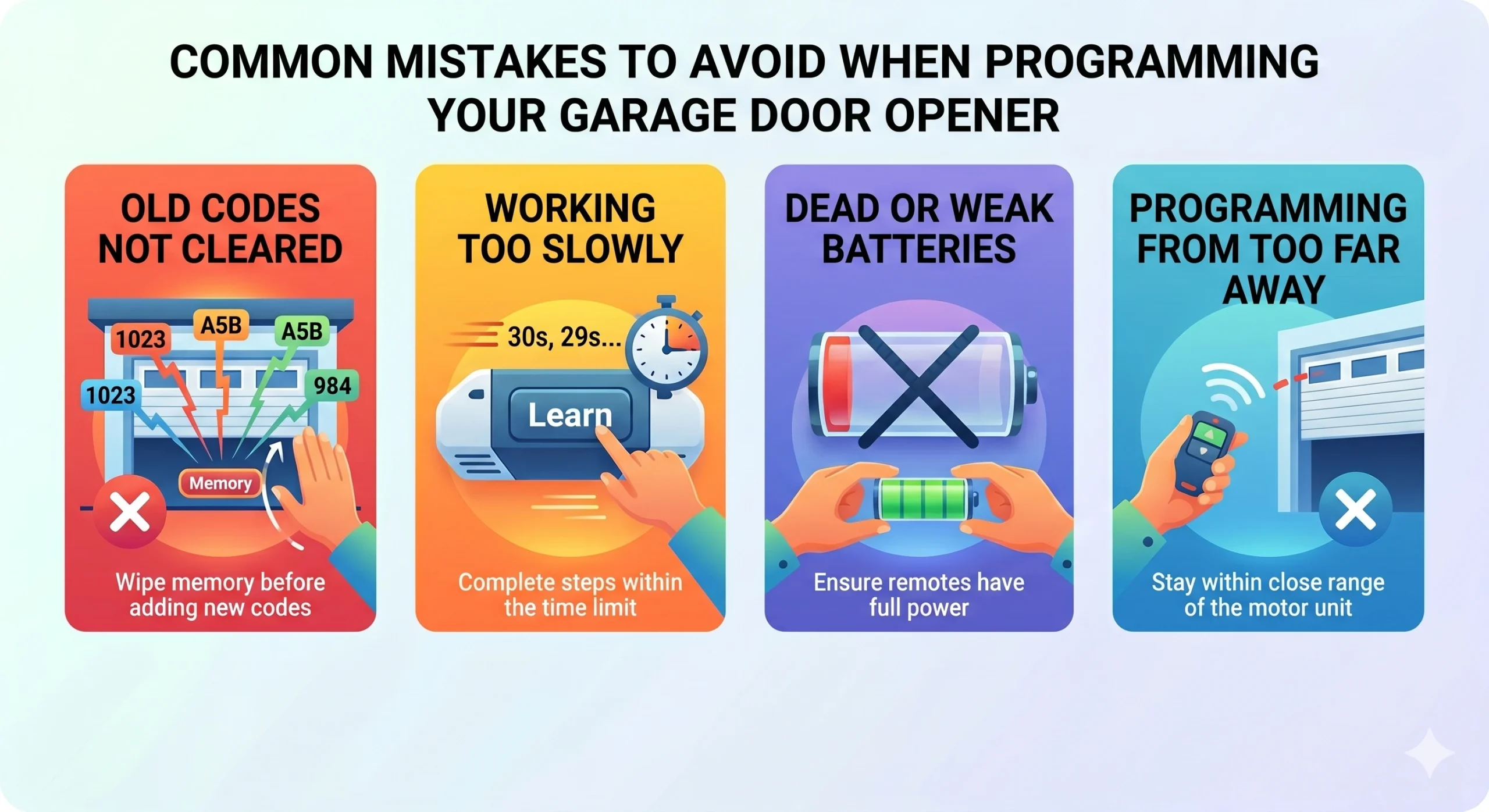
Even with good instructions, a few small missteps can make the process harder than it needs to be. Knowing what not to do is just as important as knowing the right steps.
Watch out for these common errors:
- Not clearing old codes before reprogramming
- Working too slowly after pressing the Learn button
- Using dead or weak batteries
- Programming from too far away
- Skipping the test step
How to Reset Your Garage Door Opener Before Reprogramming
Sometimes a full reset is necessary before programming will work correctly. This is especially true if you are dealing with a system that has stored too many codes or one that belonged to a previous homeowner.
Here is how to reset most openers:
- Press and hold the Learn button for about six to ten seconds until the indicator light turns off. This erases all stored codes from the system.
- Release the button and wait a few seconds before starting the programming process from the beginning.
- Note that a full reset removes all paired remotes, keypads, and HomeLink connections. You will need to reprogram everything from scratch after a reset.
When to Call a Professional Instead of DIYing
Most homeowners can handle basic programming on their own. However, there are situations where calling a professional garage door technician is the smarter move.
Consider reaching out to an expert if:
- The Learn button does not respond, no matter how many times you press it.
- The motor unit powers on, but the door will not move during testing.
- Your opener is more than 15 years old and is showing signs of wear beyond just a programming issue.
- You notice unusual sounds, slow movement, or uneven lifting when the door operates.
- You purchased a new opener and are unsure how to install and configure it correctly.
Trying to force a repair on a system that has a mechanical or electrical problem can lead to bigger repairs down the road. If programming attempts continue to fail, the issue may not be the code at all. You may want to understand more about Why Your Garage Door Opener Won’t Sync and How to Repair It before assuming the remote is the problem.
Safety Tips Every Homeowner Should Know
Garage door openers are convenient, but they also control a heavy, moving mechanical system. Keeping safety in mind during setup and daily use is important.
Keep these safety habits in your routine:
- Never let children play with remotes or keypads.
- Test the auto-reverse feature monthly.
- Do not leave your garage door open unattended for long periods.
- Store remotes securely.
- Update your PIN regularly.
Tips for Keeping Your Garage Door Opener Running Smoothly
Good maintenance habits extend the life of your opener and reduce the chance of programming issues caused by worn components. A professional garage door tune-up once or twice a year covers all of these checks in one visit and helps you stay ahead of problems before they affect your daily routine.
Here are a few things to stay on top of:
- Inspect the antenna on your motor unit
- Lubricate the moving parts of the door system
- Check the mounting hardware
- Replace remote batteries annually
For more guidance on selecting the right system for your home from the start, take a look at What to Look for When Buying a Garage Door Opener to make sure your next purchase is the right fit.
Is It Time to Replace Instead of Reprogram?
There comes a point when programming issues are a symptom of a larger problem. Older systems, damaged components, or frequent malfunctions may be telling you that the opener itself has reached the end of its useful life. If garage door repair costs keep adding up without lasting results, replacement is likely the smarter path forward.
A few signs that replacement may make more sense than another round of reprogramming:
- Frequent sync failures even after resets and fresh batteries.
- The opener is more than 15 to 20 years old and lacks modern safety features.
- Repair costs are adding up to the point where replacement becomes the better investment.
- You want smart home integration, but your current unit does not support it.
Ready to Get Your Garage Door Opener Working Right?
Programming a garage door opener is a task most homeowners can handle with patience and the right steps. From locating the Learn button to syncing your keypad and HomeLink system, each part of the process has a clear path when you follow it carefully. Regular maintenance, smart safety habits, and knowing when to call in a professional make all the difference in keeping your system reliable for years.
If you have gone through every step and your opener still is not cooperating, it may be time to bring in a professional who can properly diagnose the problem.DoorJam Garage serves homeowners in Wake Forest, NC, with reliable, professional garage door service you can count on. Contact us or give us a call today, and we will make sure your garage door opener is programmed, tested, and running the way it should.