
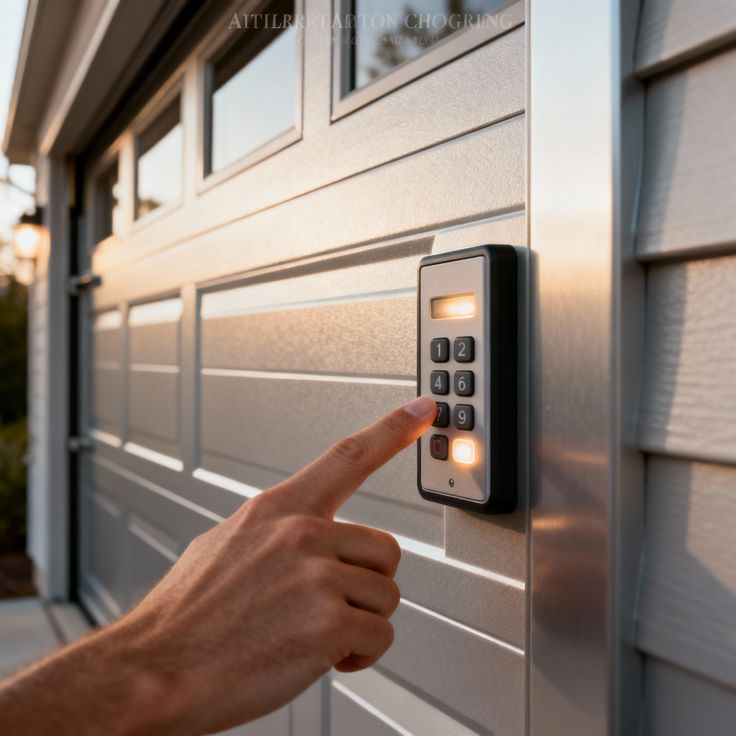
Few things are more frustrating than pressing your garage door remote and getting absolutely nothing in return. No click, no movement, no light. If your garage door opener refuses to sync, you are not alone. This is one of the most common issues homeowners deal with, and in many cases, the cause is simpler than you think.
This guide breaks down the most common reasons your garage door opener won’t sync and walks you through practical steps to identify and repair the problem before calling in a technician. If you are in the Wake Forest, NC area and have been dealing with this issue repeatedly, understanding the root cause can save you time, money, and a lot of unnecessary stress.
Dead or Weak Batteries in the Remote
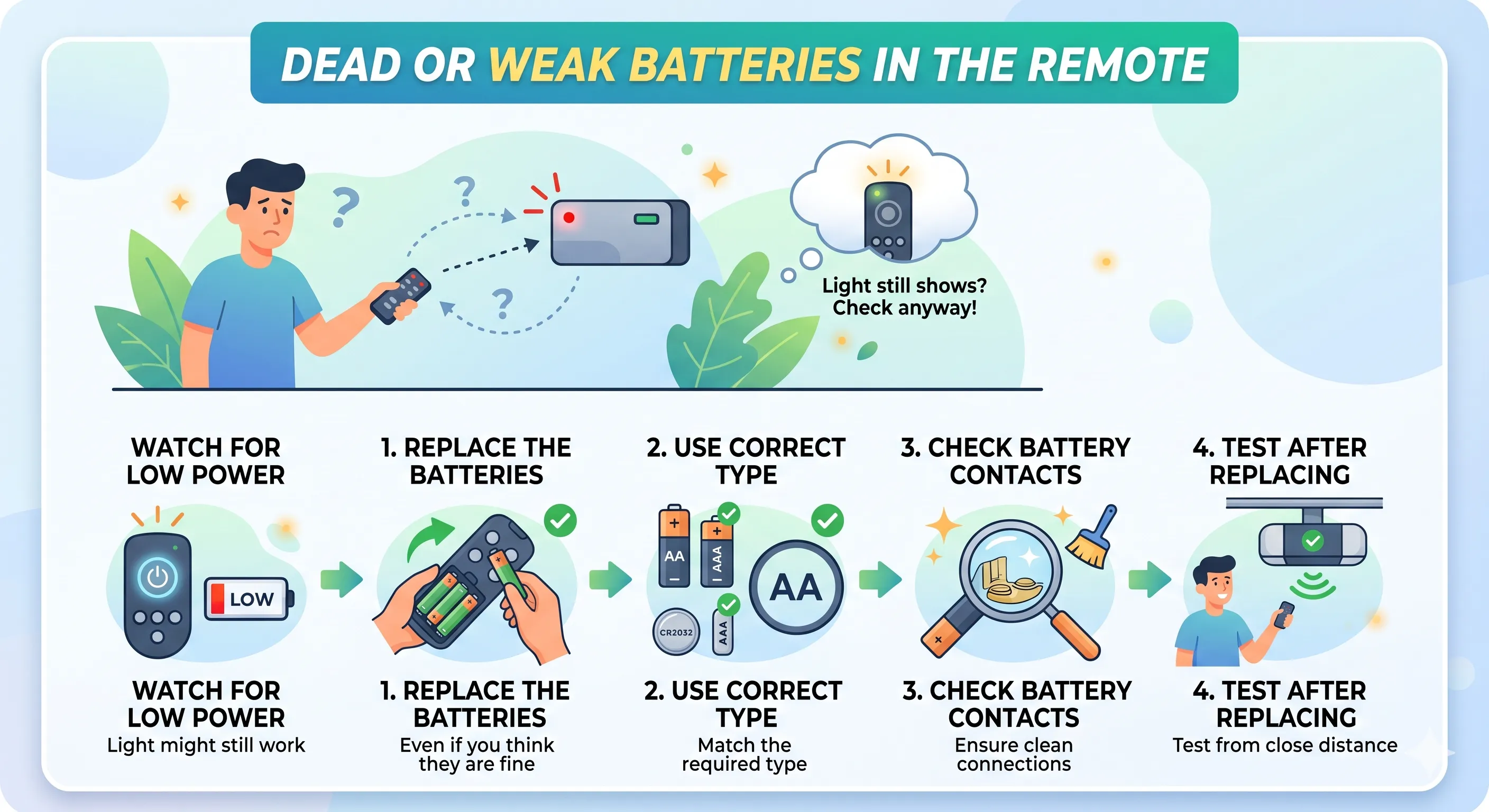
This is the first thing to check and the most frequently overlooked cause of a sync failure. A remote with low battery power may still show a light when pressed, which makes homeowners assume the battery is fine when it is not.
Here is what to watch for and do:
- Replace the batteries even if you think they are fine.
- Use the correct battery type for your remote.
- Check the battery contacts inside the remote.
- Test the remote again after replacing the batteries from directly below the motor unit.
If you are shopping for a new system and want to avoid compatibility headaches from the start, reading about What to Look for When Buying a Garage Door Opener can help you make a choice that fits your home’s setup and minimizes future sync issues.
The Remote Is Out of Range or Has Interference
Even with fresh batteries, your remote may fail to sync if something is blocking or interfering with the signal. Garage door openers communicate using radio frequencies, and those signals can be disrupted by several common sources.
Look into these potential interference causes:
- LED light bulbs in the motor unit. Certain LED bulbs emit radio frequency interference that can block your remote’s signal. Try swapping the bulb in your opener with an incandescent bulb or one specifically rated for garage door openers to see if the problem clears up.
- Nearby electronics. Wi-Fi routers, baby monitors, and other wireless devices operating on similar frequencies can interfere with your opener’s signal.
- New devices installed in or around your home. If the sync issue started after a new appliance, router, or smart home device was added, that could be the cause.
- Physical obstructions. Metal shelving, thick walls, and large vehicles parked between the remote and the motor unit can reduce signal strength.
- Distance from the motor unit. Most residential openers have a range of about 50 feet. If you are pressing the remote from further away, try moving closer first.
The Motor Unit Antenna Is Damaged or Mispositioned
Your garage door opener communicates through a small antenna that hangs from the motor unit. If this antenna is bent, wrapped around something, or physically damaged, it will struggle to receive signals from your remote or keypad.
Here is what to inspect:
- Locate the antenna.
- Make sure it is hanging freely and pointing downward.
- Check for visible damage.
- Do not attempt to extend or splice the antenna wire yourself.
The Learn Button Was Accidentally Triggered, or the Code Was Erased
The Learn button on your motor unit controls which remotes and keypads are paired to your opener. If this button was pressed and held for too long, it may have erased all stored codes, effectively unpairing every remote and keypad connected to the system.
Here is how to identify and address this:
- Check if none of your remotes or keypads work.
- Reprogram your remote from scratch.
- Check if other household members accidentally pressed the button.
The Opener’s Frequency Does Not Match the Remote
Not every remote is compatible with every garage door opener. Older systems and some universal remotes operate on specific frequencies, and if there is a mismatch, the opener will never respond no matter how many times you press the button.
Here is how to check compatibility:
- Look at the frequency listed on your remote and your motor unit. Common frequencies include 315 MHz, 390 MHz, and 433 MHz. They need to match.
- Check the brand compatibility list on universal remotes. Most packaging lists compatible opener brands and model ranges.
- If you bought a used remote, it may have been programmed for a different opener brand or frequency range and may not be adjustable.
- Contact the manufacturer with your opener’s model number to confirm which remotes are compatible.
The Spruce covers common garage door compatibility and frequency problems homeowners face, which can help you confirm whether a frequency mismatch is behind your sync issue before purchasing a replacement remote.
The Motor Unit Is Losing Power or Has a Wiring Issue
If the motor unit itself is not receiving consistent power, sync attempts will fail or produce inconsistent results. This is less common than battery or interference issues, but worth checking if other causes have been ruled out.
Signs of a power or wiring issue include:
- The motor unit light flickers or does not turn on at all.
- The opener works sometimes but not others, without any clear pattern.
- You hear a humming sound, but the door does not move when you press the remote.
- The outlet powering the opener has tripped. Plug something else into the same outlet to confirm it is working.
- Loose wiring connections at the motor unit or wall button. Do not attempt to repair wiring yourself unless you are qualified. This is a job for a professional technician.
If you are unsure what proper garage door opener wiring and power setup looks like, Family Handyman offers a detailed reference that can help you identify whether your unit’s power issue is something a technician needs to address.
Safety Sensor Misalignment Is Blocking Operation
Garage door openers are equipped with safety sensors near the bottom of the door tracks. These sensors send an invisible beam across the door opening, and if that beam is blocked or the sensors are out of alignment, the opener may refuse to operate at all, which can look like a sync failure when it is actually a safety lockout.
Here is how to check the sensors:
- Look at the indicator lights on both sensors. One should show a solid green light and the other a solid amber light. If either is blinking or off, the sensors are misaligned or blocked.
- Remove any objects between the sensors. Even a small piece of debris or a leaf can trigger the safety lockout.
- Gently realign the sensors by loosening the mounting bracket slightly and adjusting the sensor angle until both lights are solid.
- Wipe the sensor lenses with a clean, dry cloth. Dust and grime can cause false obstruction readings.
The Opener System Needs a Full Reset
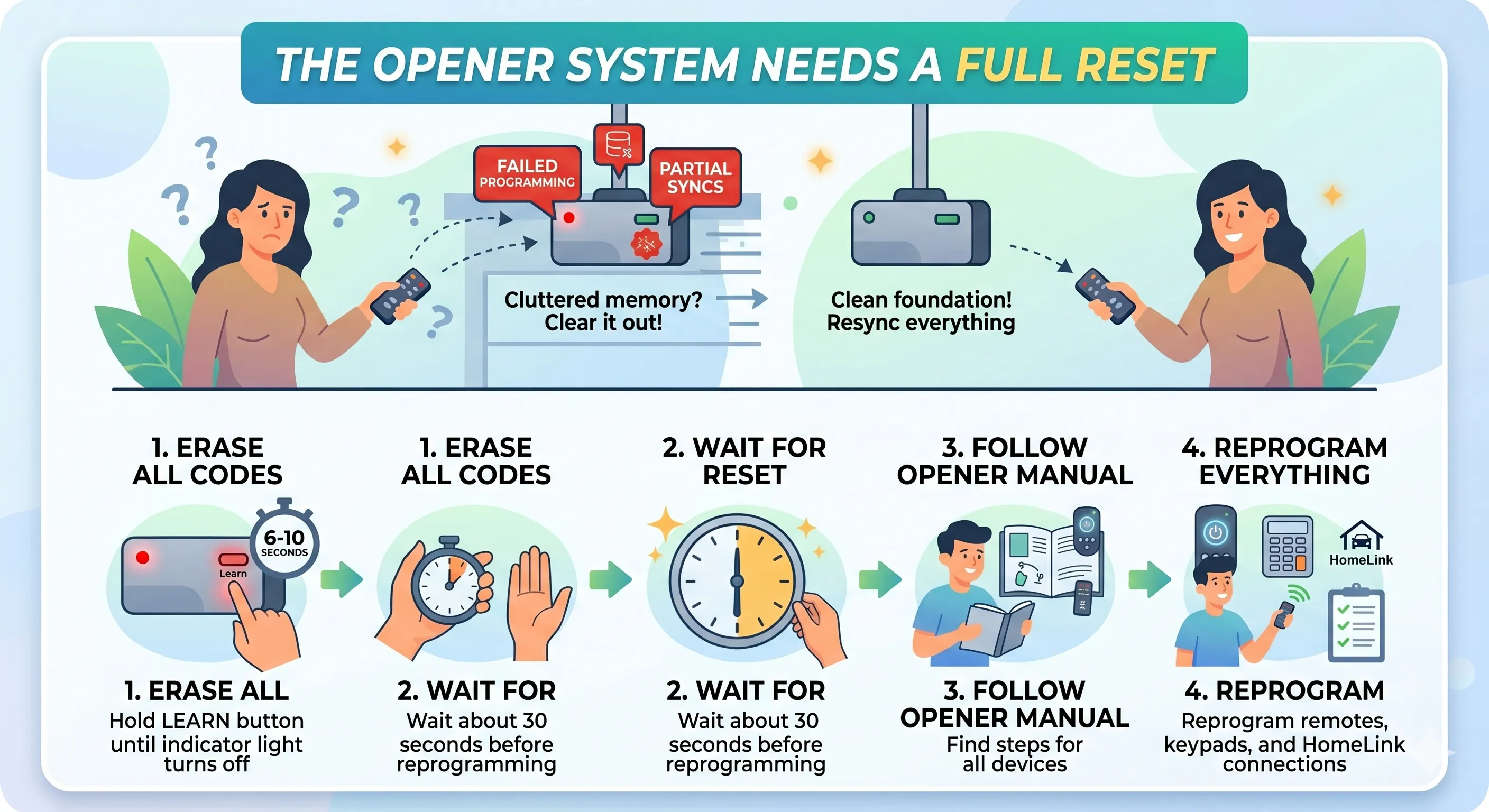
Sometimes the repair is simply starting fresh. If the motor unit’s internal memory has become cluttered with failed programming attempts or partial syncs, a reset clears everything out and gives you a clean foundation to work from.
Here is how to perform a reset:
- Press and hold the Learn button for six to ten seconds until the indicator light turns off. This erases all stored codes.
- Wait about 30 seconds before attempting to reprogram anything.
- Reprogram all remotes, keypads, and HomeLink connections from the beginning following the steps in your opener’s manual.
For a full walkthrough of the programming process after a reset, visit our guide on How to Program a Garage Door Opener.
Worn or Outdated Hardware May Be the Real Problem
If your opener is more than 15 years old and sync issues are becoming more frequent, the hardware itself may be at the end of its reliable lifespan. Older systems can develop problems with their logic boards, receivers, and internal components that no amount of reprogramming will permanently repair.
Watch for these signs of an aging system:
- Sync failures keep coming back even after successful reprogramming.
- Slow or inconsistent door movement when the opener does respond.
- Difficulty finding compatible replacement remotes because the model is discontinued.
- The system lacks modern safety features such as auto-reverse or rolling code encryption.
Before investing in repairs for an older unit, it may be worth evaluating whether replacement is the smarter long-term move. For help making that decision, take a look at When Should You Replace vs. Reprogram Your Garage Door? to weigh the options clearly.
When a Professional Inspection Makes Sense
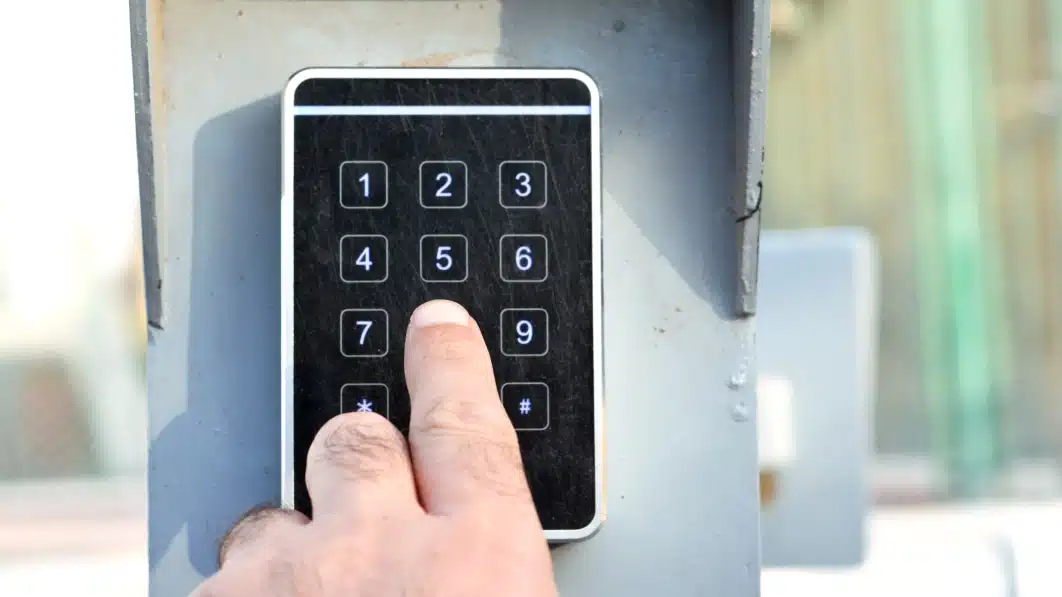
There are sync issues you can troubleshoot yourself, and then there are situations where a professional technician needs to step in. Knowing the difference protects both your safety and your equipment. Scheduling a professional garage door repair inspection early can prevent a minor issue from turning into a much costlier problem down the road.
Call a professional if:
- You have gone through every step above, and the opener still will not sync.
- You suspect an electrical or wiring problem inside the motor unit.
- The door itself moves unevenly, makes grinding noises, or feels heavier than usual when operated manually.
- The logic board or receiver needs to be replaced, which requires technical knowledge and specific parts.
- You are unsure whether your opener is worth repairing, given its age and condition.
Tips to Prevent Sync Problems Before They Start
Staying ahead of sync issues is easier than diagnosing them after they happen. A few preventive habits go a long way toward keeping your opener reliable. Scheduling a garage door tune-up once a year is one of the best ways to catch small problems early and keep your entire system running at its best.
Keep these in your regular routine:
- Replace remote batteries once a year, even before they die.
- Inspect the motor unit antenna every few months to make sure it is hanging freely and undamaged.
- Keep the area around your sensors clear and clean the lenses regularly.
- Avoid installing LED bulbs in your motor unit unless they are specifically rated for garage door opener use.
- Test your opener monthly to catch small issues before they become bigger problems.
Still Having Trouble? We Can Help.
A garage door opener that refuses to sync can be caused by something as minor as a weak battery or something as serious as a failing logic board. Working through each potential cause systematically is the best way to find the real problem and apply the right repair.
If you have gone through every step in this guide and the issue is still unresolved, it is time to bring in a professional. DoorJam Garage provides dependable garage door repair and service throughout Wake Forest, NC, and the surrounding areas. Contact us or give us a call today, and our team will diagnose the problem quickly and get your opener syncing reliably again.