
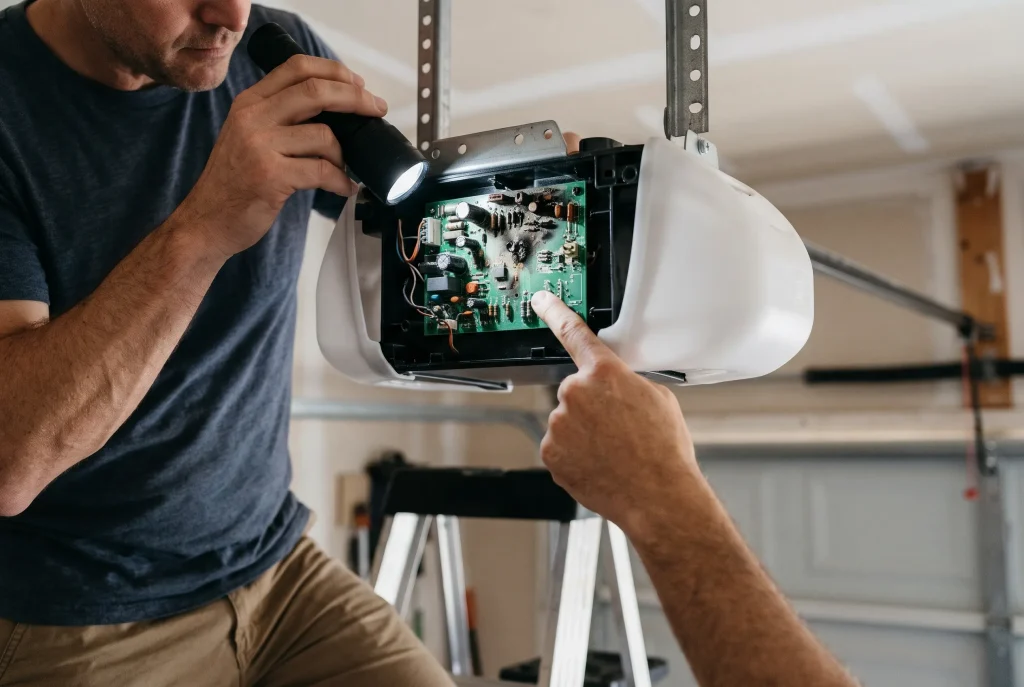
A failing garage door opener circuit board usually shows itself through the door opening with no remote in use, flickering or erratic lights on the motor unit, and a slow or inconsistent response to commands, often after the opener has been exposed to a power surge, moisture, or simple old age. Unlike a stuck remote or interference, a circuit board issue can’t be fixed by removing batteries or moving a device out of range, and it typically means a technician needs to inspect or replace the board itself. Because several of these signs overlap with other causes, ruling out remotes and the wall switch first is a key part of any garage door repair diagnosis and makes the board the clearest remaining explanation.
Key Takeaways
- A circuit board failure rarely causes just one symptom; look for two or three signs together, not just one.
- Power surges and lightning strikes are common triggers, even for openers that seem to work fine most of the time.
- Moisture from a humid or poorly sealed garage can corrode a board’s contacts over years, not overnight.
- Unlike remote or interference issues, circuit board problems don’t have a safe DIY fix.
- Older openers, generally 10 years or more, are more likely to need a full replacement rather than just a board swap.
- Ruling out every remote and the wall switch first is what makes a circuit board diagnosis reliable rather than a guess.
Circuit Board Failure vs. Other Causes
Symptom | Circuit Board | Other Cause |
Opens with every remote’s batteries removed | Likely | Rules out a stuck remote |
Motor-unit lights flicker or behave oddly | Likely | Uncommon with interference |
Slow or inconsistent response to commands | Likely | Uncommon with a simple stuck button |
Recent power surge or lightning nearby | Strong indicator | Not applicable |
Fixed by moving a nearby wireless device | Rules out board issue | Points to interference instead |
Opener is more than 10 years old | More likely | Less relevant to remote or switch issues |
1. The Door Opens Randomly With No Signal Sent
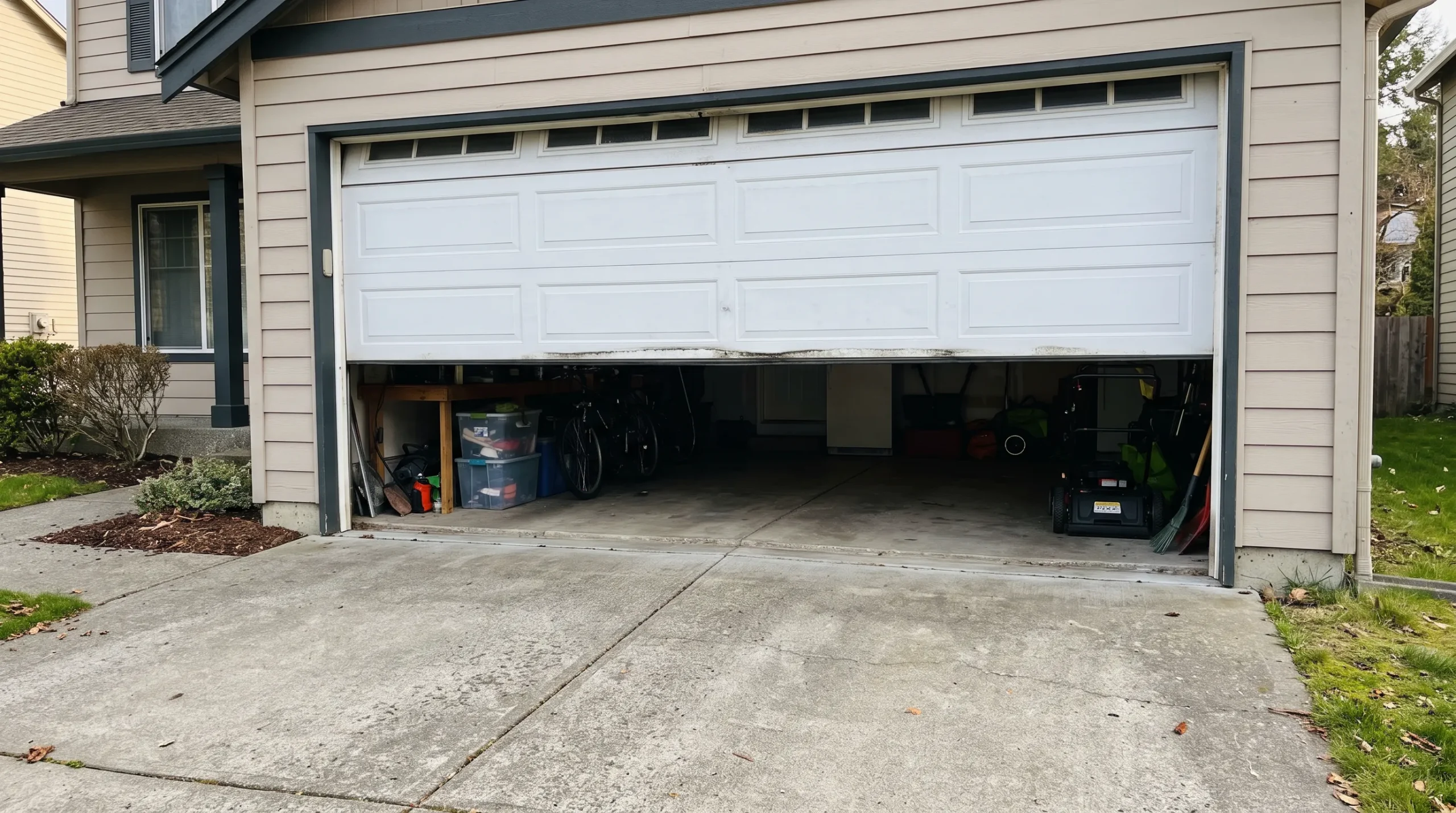
Symptom: The door opens with every remote’s batteries removed and the wall switch disconnected, ruling out any external signal.
Most likely cause: A degraded component on the logic board, often an aging capacitor, is generating a false open signal internally, with no outside trigger at all.
Fix steps: There’s no DIY fix here. Confirm the pattern by removing every possible external trigger first, then document how often it happens. A regular garage door tune-up can sometimes catch early board degradation before it reaches this stage.
Call a pro if: you’ve ruled out every remote and switch and the door is still opening on its own. This is one of the clearest signs the board itself is the problem.
Signs a Garage Door Opener’s Circuit Board Is Failing, Not Just a Remote
The clearest tell is opening that continues after every remote’s batteries are out and the wall switch is disconnected. At that point, nothing external is left to blame.
A closer look: This is the single most useful test in the whole diagnostic process, since it eliminates every possible external cause in one step. If you’ve done this and the door still opens on its own, you can skip straight past remote and switch troubleshooting entirely and move directly to booking a technician.
For the full list of possible causes, including the ones this test rules out, see Why Is My Garage Door Opening By Itself? 8 Common Causes and Fixes.
2. Burn Marks or a Burning Smell Near the Control Panel
Symptom: A faint burning smell near the motor unit, or visible discoloration or scorch marks around the control panel when the housing is opened.
Most likely cause: An overheating component on the board, often from age or a prior surge, has begun to burn the surrounding plastic or circuitry.
Fix steps:
- Unplug the opener immediately
- Don’t attempt to open the housing or inspect the board yourself
Call a pro if: you notice any burning smell at all. This is a fire risk, not just a malfunction.
A closer look: Even a faint, occasional smell that comes and goes is worth taking seriously. Overheating components don’t always burn continuously; a component can scorch briefly under load and then cool down, which means the smell might not be present every time you check. This symptom alone rules out a stuck remote button as the cause; see Why Does My Garage Door Opener Keep Sending a Signal? 4 Signs of a Stuck Remote Button if you’re still ruling that out separately.
3. The Opener Responds Slowly or Inconsistently to Commands
Symptom: Pressing the remote or wall switch produces inconsistent results:
- Sometimes it works instantly
- Sometimes it takes several seconds
- Sometimes it doesn’t register at all
Most likely cause: A degrading board can process incoming signals unreliably, especially as internal components age or corrode.
Fix steps: Track how often the delay or failure happens and whether it’s tied to any particular remote or the wall switch specifically, since that helps a technician pinpoint the issue faster.
Call a pro if: the inconsistency happens across every remote and the wall switch, rather than just one input device.
Circuit board failures are exactly the kind of malfunction that safety standards bodies test automatic garage door systems against before they reach the market. UL Standards & Engagement’s overview of automatic garage door standards explains what these systems are built to withstand, and why aging components eventually fall outside those tolerances regardless of how well the opener was originally engineered.
4. Lights on the Motor Unit Flicker or Behave Erratically
Symptom: The small light on the motor unit flickers, dims unpredictably, or turns on and off without any command being given.
Most likely cause: An unstable power supply on the board, often from a failing capacitor, is affecting every function tied to that circuit, including the light.
Fix steps: Note when the flickering happens and whether it coincides with the phantom opening. The two symptoms often travel together.
Call a pro if: the flickering is persistent rather than a one-time glitch, especially if it’s paired with random opening.
How Power Surges and Age Combine to Damage a Circuit Board
A single surge rarely destroys a board outright. More often, it weakens a component that then fails gradually over the following months, which is why symptoms often appear well after a storm rather than immediately during one.
A closer look: This delayed pattern is exactly why homeowners often don’t connect a phantom opening to a storm that happened months earlier. If you can recall any significant surge or outage in the past six months to a year, mention it to your technician even if it doesn’t seem directly related.
If the opener also came with a wall switch that’s original to the installation, it’s worth ruling that out too; see Can a Faulty Wall Switch Make Your Garage Door Open By Itself? 5 Signs to Check.
5. The Opener Has Been Exposed to a Recent Power Surge or Lightning Strike
Symptom: The phantom opening or erratic behavior started shortly after a storm, a power outage, or known surge event in the home.
Most likely cause: A surge sent voltage beyond what the board’s components were built to handle, damaging them even if the opener still appears to function normally at first.
Fix steps: Note the approximate date of the surge event and when the symptoms began. This timeline is useful information for a technician.
Call a pro if: the timing lines up. A surge-damaged board rarely repairs itself and tends to worsen over time, and on an older unit a full garage door opener replacement is often the more practical fix.
If a full opener replacement turns out to be the fix, Family Handyman’s guide to installing a garage door opener walks through what the wiring and setup actually involve.
A closer look: Not every storm-related issue shows up right away, which is part of why this cause gets overlooked. A board that survives a surge with no immediate symptoms can still be running on borrowed time, so it’s worth mentioning any past surge event to a technician even months later, especially if you haven’t installed a dedicated surge protector since.
Circuit Board Failure Checklist
- Confirm the door opens even with every remote’s batteries removed and the wall switch disconnected
- Check for any burning smell or discoloration near the motor unit’s control panel
- Note whether the opener responds slowly or inconsistently across every remote, not just one
- Watch for flickering or erratic motor-unit lights alongside the phantom opening
- Check whether the symptoms began shortly after a storm, outage, or known power surge
- Note the opener’s approximate age, since boards past the ten-year mark fail more often
Working through this list in order, starting with ruling out remotes and the wall switch, is what separates a genuine board diagnosis from a guess.
When the Board Is the Real Problem
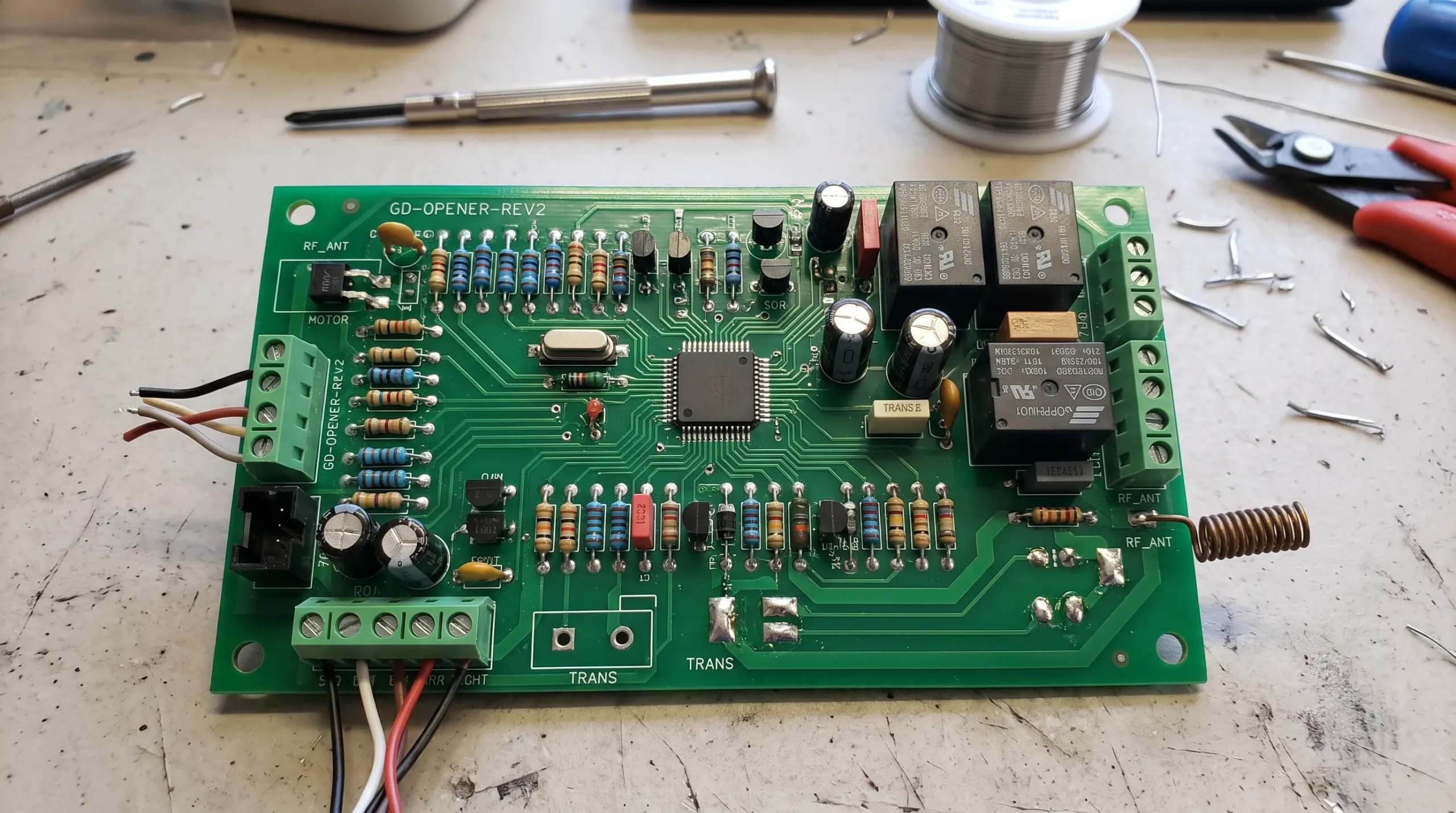
A failing circuit board rarely announces itself with a single clear symptom. It’s the combination of random opening with no trigger, erratic lights, and inconsistent response that points away from a simple fix and toward the opener’s internal electronics.
DoorJam Garage sees circuit board failures most often in openers that are past the ten-year mark or that went through a storm without a surge protector. If the signs above match what you’re seeing, contact us or give us a call.