
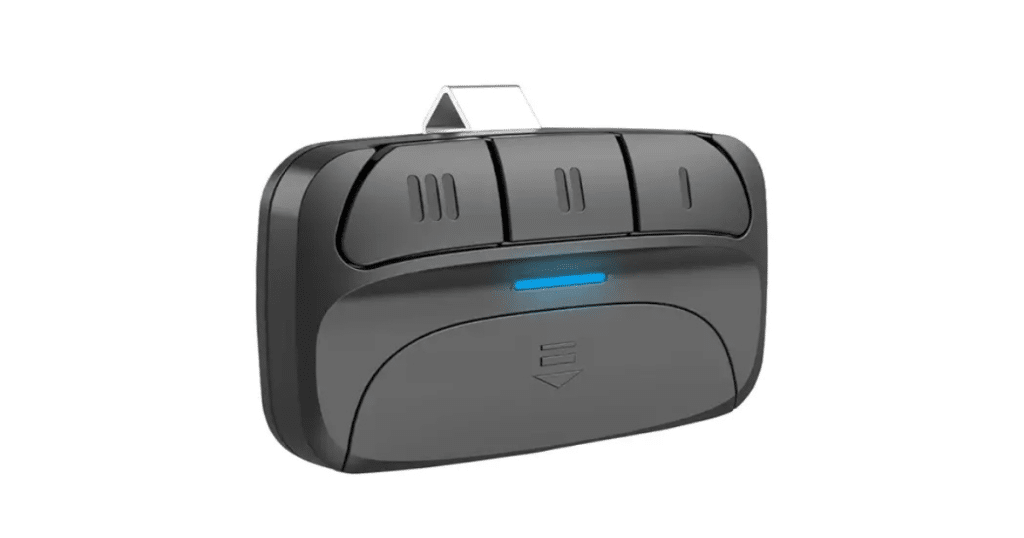
An accurately programmed garage door remote is vital for smooth and easy access to your home. Not only does it save time and effort, but it also enhances the safety and security of your property. Knowing how do I program garage door remote ensures that your garage door opens and closes without a hitch, preventing delays or inconvenience.
Programming a garage door remote is crucial for homeowners who want to maintain an efficient and secure system. Whether you’ve recently replaced your opener, changed the batteries in your remote, or experienced a power outage, understanding how to program your garage door remote can help restore functionality quickly. This guide walks you through each step, ensuring you can effortlessly sync your remote to your garage door opener.
Understanding Your Garage Door Remote and Opener
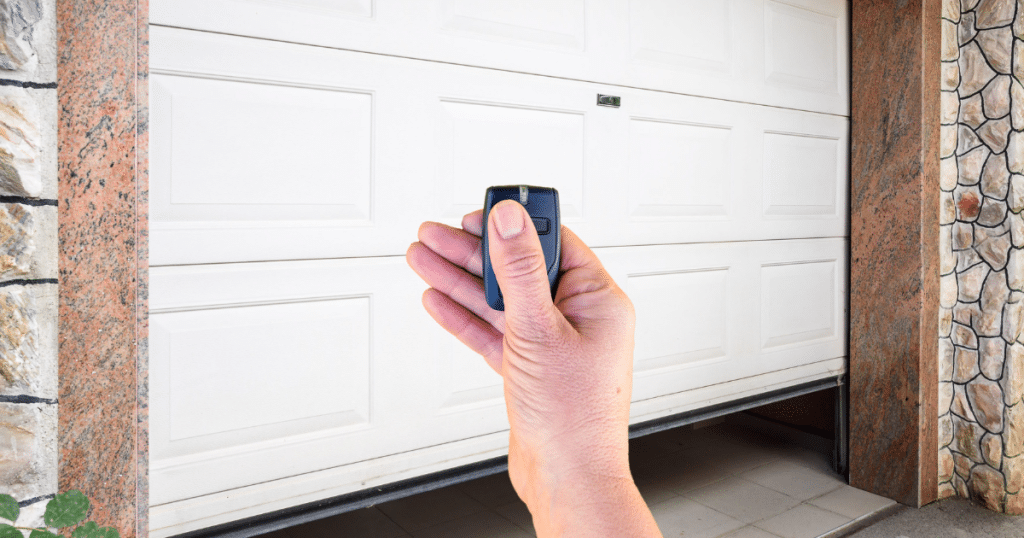
A garage door remote allows you to control your garage door opener. It sends a signal to the opener, which triggers the door to either open or close. A standard remote features a button that, when pressed, sends a signal to the opener’s receiver, instructing it to open or close the door.
There are different types of garage door remotes. Basic remotes are simple devices that allow you to open and close your garage door with the press of a button. On the other hand, smart remotes integrate with Wi-Fi and smartphone apps, offering additional features like remote monitoring and control and integration with home automation systems.
Understanding how to program a garage door remote is necessary whenever there’s a change in your system. Whether you’ve had a power outage, replaced your opener, or need to reset your remote, knowing how do I program a garage door remote ensures you can always access your garage without problems.
Steps Guide: How to Program Your Garage Door Remote
Programming your garage door remote is quick and easy to do. Following these easy steps lets your system be up and running quickly. If you’re wondering how do I program a garage door remote, this guide will help you through each step.
Step 1: Locate the Learn Button
The first thing to do is find the “Learn” button on your garage door opener. Typically, this button can be found on the back or side of the motor unit. The button is often positioned near the unit’s base if you have a wall-mounted opener. You may need to use a ladder to reach the opener for ceiling-mounted units.
Once you locate the Learn button, take note of its color. The button is typically green, red, or yellow, depending on your opener’s brand. Pressing the “Learn” button starts the sync process with your remote.
Step 2: Prepare the Remote
Before you begin, make sure the remote is in working condition. Look over the battery and change it if needed. A new battery ensures the remote syncs properly with the opener. An old or low battery may fail to transmit the signal properly, causing programming problems.
Step 3: Press the Learn Button
Start by pressing the “Learn” button on your garage door opener. The light on the opener should start flashing or stay on, indicating it’s ready to pair with a new remote. After pressing the button, wait for the light to flash, then proceed.
Step 4: Program the Remote
Press the button on your garage door remote that you want to program within 30 seconds after hitting the Learn button. Hold it down until you see the light on the opener blink or hear a beep. This signals that the remote is successfully paired with the opener.
Step 5: Test the Remote
Once your remote is programmed, test it to confirm the door opens and closes without any issues. If the door doesn’t react, go through the programming steps again. Ensure you’re close enough to the opener and that no objects obstruct the signal.
What to Do If Your Garage Door Remote Won’t Program
If your garage door remote isn’t programming, don’t worry! Here are simple steps to fix the problem and get your remote working smoothly again.
- Check the Batteries: First, check the remote’s battery. A weak or dead battery can disrupt the synchronization process. Replace it with the correct type as per the manual.
- Check Your Distance to the Opener: Stand within 10-20 feet of the opener to ensure a strong signal. Being too far can interfere with programming.
- Reset the Opener: If programming still doesn’t work, try resetting the garage door opener. Disconnect it for 30 seconds, then reconnect to fix syncing problems. If you’re wondering how do I program garage door remote, this can help.
Why Your Garage Door Remote Might Stop Working
Several factors could lead to your garage door remote not working properly. Let us explore the potential reasons behind the problem.
Battery Issues
If your remote isn’t responding or the signal is weak, it’s likely due to a dead battery. Replace the battery regularly to avoid issues.
Signal Interference
Electronic devices such as Wi-Fi routers or large metal objects can disrupt the signal from your remote. Keep your garage clear of potential signal blockers for better performance.
Wear and Tear
Physical damage to your remote, like worn-out buttons or cracks, can prevent it from working. Inspect your remote regularly to catch any damage early.
Aging Technology
Older remotes may struggle with newer technology. If your opener is over 10 years old, consider upgrading the opener and remote for better reliability.
How do I program a garage door remote? These common issues can help explain the problem.
Advanced Programming Tips for Modern Garage Door Openers
Programming a garage door remote can seem complicated, but with a few easy steps, you can take full advantage of the advanced features offered by modern systems. Whether working with a universal remote or a smart opener, here’s what you need to know.
Programming a Universal Garage Door Remote
Universal remotes control multiple garage doors from different brands. Enter the correct brand and model codes from your opener’s instructions into the remote to program.
Programming a Smart Garage Door Opener
Smart openers link to your smartphone or home automation system for added convenience. Connect it to Wi-Fi, pair it with the app, and control your garage door remotely for added convenience and security.
Following these steps, you can easily program your garage door opener, whether using a universal remote or a smart system, to match your needs. If you’ve ever wondered how do I program a garage door remote, these tips will guide you through the process efficiently.
Advantages of Regularly Programming Your Garage Door Remote
Regularly programming your new garage door remote guarantees seamless and secure performance. It’s an easy task that brings convenience and system longevity benefits.
Enhanced Security
Reprogramming your remote regularly resets the security codes, ensuring only authorized users can access your garage. This helps block unauthorized access, providing you with peace of mind.
Improved Efficiency
Regular programming helps prevent malfunctions, ensuring your garage door operates smoothly. It prevents delays and unnecessary maintenance, keeping everything running efficiently.
Increased Convenience
A well-programmed remote ensures quick and easy access to your garage. It eliminates concerns about being locked out or dealing with slow opening/closing times.
System Longevity
Consistent programming helps prolong the lifespan of both your opener and remote. Proactive care avoids costly repairs, keeping your system working efficiently for years.
If you’re wondering how do I program a garage door remote, these benefits show why regular syncing is important for the longevity and performance of your system.
Common Programming Garage Door Remote Issues and Troubleshooting
Programming your garage door remote can sometimes be tricky. Below is a table that highlights common issues, their causes, and solutions to get your remote work going smoothly again. If you’re asking how do I program garage door remote, this guide will help!
| Issue | Cause | Solution |
| Remote Not Responding | Weak battery, excessive distance from the opener, or signal disruption. | Verify the battery’s placement near the opener and confirm the light flashes. Reprogram if necessary. |
| Door Not Closing Properly | Misaligned tracks, faulty sensors, or incorrect programming. | Check and realign tracks and sensors, then verify programming. |
| Multiple Remotes Not Syncing | Incomplete programming of all remotes. | Program each remote individually to ensure all sync with the opener properly. |
By understanding these issues and following the solutions, you can troubleshoot and maintain the smooth operation of your garage door remote.
FAQs About How Do I Program Garage Door Remote
How do I reset my garage door opener?
To reset your opener, press and hold the Learn button for about 10 seconds until the light turns off. This clears all existing programming, allowing you to start fresh and reprogram your remote.
Can I program multiple remotes to one opener?
Yes, you can program several remotes to work with one opener. Simply follow the programming steps for each remote, ensuring they are synced correctly to ensure smooth operation and functionality.
What do I do if the Learn button on my opener isn’t working?
If the Learn button isn’t working, try resetting the opener by disconnecting it from power. If the button is still unresponsive, check for damage or consider contacting a professional for garage door repair.
Can I program my garage door remote without a Learn button?
For older models, you may need to manually set dip switches instead of using a Learn button. Refer to your opener’s manual for the specific steps to program your remote.
Do I need to reprogram my garage door remote after a power outage?
Typically, your programming remains intact after a power outage. However, if your opener resets during the outage, you may need to reprogram your remote to restore functionality.

Conclusion
Programming your garage door remote quickly and easily ensures convenience, security, and reliable operation. If you’re wondering how do I program garage door remote, following the steps outlined in this guide will help keep your garage door functioning smoothly and avoid unnecessary repair costs. Regular programming, battery upkeep, and fixing common issues improve your system’s lifespan and performance.
DoorJam Garage Repair is your trusted garage door repair company in Raleigh & Durham, NC, for all your garage door needs, including remote programming. We focus on premium garage door openers, professional installation, and maintenance services. If you need a replacement remote or professional help with your garage door, visit our website today to discover the best solutions for your home.
End Note
For all your garage door needs, including remote programming, trust the professionals at DoorJam Garage. We provide top-quality garage door services and garage door repairs. Whether you’re dealing with a malfunctioning door or need a new installation, we are here to help. Explore our complete range of services today for trusted solutions.
If you’re looking to upgrade, we offer new garage door replacements and new garage door openers. Our team specializes in broken spring replacements and installing keypads to enhance your home’s security. For various options, including Amarr garage doors, check out our offerings on the garage door page.
We proudly serve various locations, as detailed in our service areas. Get to know more about our team on our About Us page, and stay updated with helpful tips in our blog post. Stay connected with us on Instagram and Facebook for the latest updates, offers, and news. If you have any questions or need assistance, reach out through our Contact Us page, and our friendly team will be happy to help!
DoorJam Garage
3418 Quarry Rd, Wake Forest, NC 27587
+19199066623