
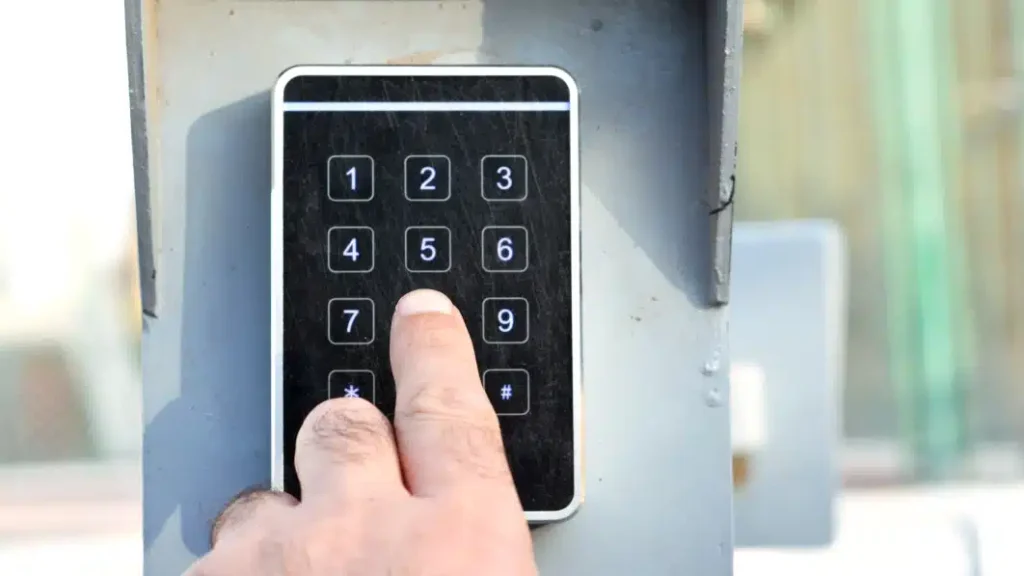
You entered your code, waited, and nothing happened. Maybe you just installed a new garage door keypad and could not get it to sync with the opener. Either way, searching for the learn button is the right place to start. Finding it is often the first step toward getting your system working again.
Many homeowners expect the learn button to be on the keypad, but it is not. In most cases, the learn button is located on the garage door opener unit itself, which is the motor housing mounted on the ceiling of the garage. The keypad outside and the opener inside must communicate, and the learn button is what allows that connection to happen. This guide explains where to find the learn button on common opener brands, what it usually looks like, and what to check if you are having trouble locating it or getting it to work properly in your garage.
Understand What the Learn Button Actually Is
Before climbing a ladder to inspect your opener, it helps to know what you are looking for and why it matters.
The learn button is a small, colored push button located on the back or side panel of your garage door opener unit. It is typically about the size of a pencil eraser. Its job is to enter the opener into pairing mode so it can recognize and save the signal from a new keypad or remote.
When you press the learn button, the opener listens for an incoming signal. When the keypad sends that signal, the opener saves it to memory. After that, the two devices are linked, and your keypad can operate the door.
Key things to know before you start:
- The learn button is on the opener unit, not the outdoor keypad.
- It is usually near the antenna wire hanging down from the unit.
- The button color varies by brand and can help you identify the type of system you have.
- Pressing it briefly puts the opener in pairing mode. Holding it too long erases all paired devices.
To understand the full role this button plays in your opener system, What Does the Learn Button Do on a Garage Door Opener? covers the complete function and how it connects to every device in your garage.
How to Locate the Opener Unit in Your Garage
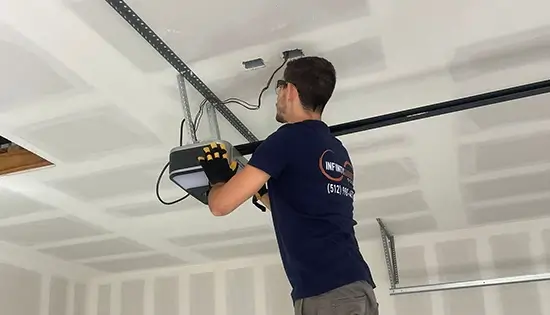
If you are not sure where to start, the opener unit is the motorized box mounted to the ceiling above the center of your garage door. It connects to the door through a long metal rail. A drive chain, belt, or screw runs along that rail and pulls the door open and closed.
Steps to find the unit:
- Stand inside your garage and face the door from the inside.
- Look up and toward the center of the ceiling.
- You will see a box, usually white, black, or gray, with a rail extending toward the door.
- The learn button is on the back or side of that box, away from the rail side.
Most homeowners rarely check this part of the opener, so it is common for the unit to be dusty or partially blocked by storage items. Clear the area safely before attempting to inspect anything.
Where the Learn Button Is Located by Brand
Different brands place the learn button in slightly different spots. Here is where to check on the most common residential opener brands found in homes across North Carolina.
Chamberlain and LiftMaster
These two brands share the same parent company and have nearly identical designs. The learn button on Chamberlain and LiftMaster openers is located on the back panel of the motor unit. It sits just above or beside the antenna wire, which is a thin wire hanging straight down from the unit.
The button color on these brands typically indicates the opener’s frequency and compatibility:
- Yellow button: 390 MHz, older system
- Purple button: 315 MHz, Security+ system
- Red or orange button: 315 MHz or 390 MHz, varies by model
- Green button: 390 MHz
- Yellow with a green tint: Security+ 2.0, 310 MHz
Genie
Genie openers place the learn button on the back panel as well, but it is sometimes labeled as the “program button” on older models. On newer Genie units, it is a small square button near the terminal block where wires connect to the unit.
Genie learn buttons are typically red, green, or purple, depending on the model series.
Craftsman
Craftsman openers, especially older models sold through Sears, are often built on the same platform as Chamberlain. The learn button is in the same general area, on the back panel near the antenna wire. Newer Craftsman models may have a slightly different layout, so checking your owner’s manual is always a good move.
Linear and Overhead Door
These brands are common in commercial and some residential settings. The learn button may be inside a small panel on the side of the unit rather than on the exterior back panel. You may need to open a cover to access it.
What the Learn Button Looks Like
Now that you know where to find it, here is what to look for once you are up close to the unit.
The learn button is small, usually round or square, and recessed slightly into the panel so it is not accidentally pressed. It will be a solid color, and depending on the brand, that color tells you something about your system’s frequency and compatibility with accessories.
Visual identifiers:
- Small colored button, roughly the size of a pencil eraser
- Located near a short antenna wire hanging from the unit
- Often has a small LED light directly beside it or surrounding it
- Some units have a label printed near it that reads “Learn,” “Program,” or “Smart”
What to Do Once You Find the Learn Button
Finding the button is only the beginning. Here is a general overview of what happens next, depending on why you were looking for it.
If you are pairing a new keypad:
- Press the learn button once and release it quickly.
- The indicator light beside it will turn on, signaling that the opener is in pairing mode.
- You typically have about thirty seconds to enter your code on the keypad and press the enter or send button.
- The opener light will flash or the unit will click to confirm a successful pairing.
If you want to erase all paired devices:
- Press and hold the learn button for six or more seconds.
- The indicator light will turn off, confirming that all devices have been erased from memory.
- Be aware that this removes every remote and keypad paired to the opener. You will need to re-pair each one from scratch.
If the learn button is not responding:
- Check that the opener has power by pressing the wall button inside the garage.
- Inspect the indicator light. If it does not activate when you press the learn button, the issue may be electrical or internal.
- A non-responsive learn button could point to a deeper problem.
For a full breakdown of what causes this, Why Your Garage Door Keypad Learn Button Stops Working walks through every common cause and what to check.
Common Reasons Homeowners Cannot Find the Learn Button
If you have already checked the back panel and still cannot locate the button, here are a few reasons that might be causing the issue. In some cases, what seems like a programming problem may actually point to a need for garage door repair if the opener is older or not responding properly.
The unit is mounted too high to see clearly. Some garage ceilings in older Wake Forest homes are taller than standard, making it difficult to inspect the opener unit without a proper ladder. Never attempt to climb on shelving or unstable surfaces to reach the unit.
The panel is facing a wall or ceiling obstruction. In some garage configurations, the opener is installed close to a wall or beam, and the back panel faces an awkward direction. A flashlight and a mirror can help you see into tight spaces without removing anything.
The label has faded or worn off. On older units, the printed label near the learn button may have faded. In this case, use the button color as your guide instead.
The unit is a model without a traditional learn button. Some older openers, particularly those manufactured before the mid-1990s, used DIP switches instead of a learn button. If your opener is very old and you cannot find any button resembling what is described here, DIP switches may be what you are working with.
Tips to Avoid Keypad and Learn Button Problems
Most learn button issues are preventable with a few simple habits. These are the tips garage door technicians recommend most often.
- Test your keypad every few months. Enter your code and confirm the door responds normally. Catching a weak signal early is much easier than dealing with a full pairing failure later.
- Replace keypad batteries once a year. A low battery is the most overlooked cause of pairing issues and unresponsive keypads.
- Keep the opener unit clean. Dust and debris buildup around the learn button and indicator light can cause false readings or a sticky button response.
- Use a surge protector on your garage outlet. Power surges during storms are a leading cause of logic board damage in garage door openers across North Carolina.
- Schedule an annual inspection. A trained technician can spot early signs of wear on the learn button, antenna, and logic board before they become expensive problems.
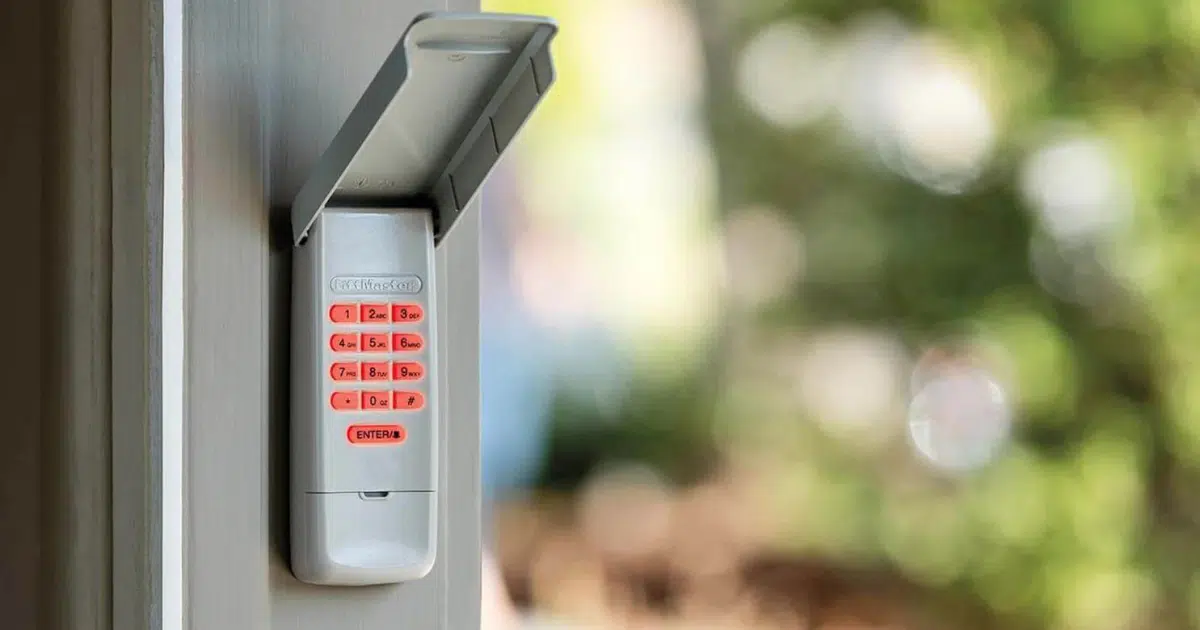
Knowing when to attempt a reset versus when to call a professional is also important. When Should You Reset Your Garage Door Keypad Learn Button? gives you a clear guide on making that call correctly.
Routine maintenance is strongly recommended to reduce unexpected failures and extend the lifespan of your garage door system.
Getting Your Garage Door System Back in Order
Understanding where the learn button is and how it works puts you in a much better position to handle basic keypad issues on your own. Most of the time, a simple pairing reset is all it takes to get everything working again. But when the button is unresponsive, the light does not activate, or the pairing never completes, no matter what you try, those are signs that something more is going on inside the opener unit.
At that point, working through the problem without the right tools and training can make things worse. A professional inspection is the safest and most efficient path forward.
DoorJam Garage serves homeowners throughout Wake Forest, NC, and the surrounding communities with reliable garage door diagnostics, opener repairs, and keypad programming services. Whether you need a simple sync or a full opener evaluation, their team has the experience to get it done right the first time. Contact us or give us a call to schedule your service and get your garage door working the way it should.